My School 2.0 — School & College Management Software
Admissions, fees, attendance and academic records — organised in one practical school ERP workflow. Give your team a clearer way to manage everyday administration with My School 2.0 by Hardeep ERP Software.
Built around the work your office handles every day: student records, fee receipts, timetables, report cards, transport, library and inventory.
Speak with our team: +91 78889-17735 · +91 90412-12315
Every school day. One organised workflow.
Explore school administration software features for admissions, fee collection, student attendance, academic planning and parent communication.
Student Enquiry
Admission
Fee Receipt
Fee Plan
Fee Card
Fee Day Book
Dues List
Demand Register
Summary
Attendance
Time Table
Report Card
Maintain Transport
Certificate
Auto Backup
Bank Entry
WhatsApp Messaging
SMS Integration
WHY CHOOSE MY SCHOOL 2.0
Complete School & College Management Solution
My School 2.0 is a feature-rich, easy-to-use and reliable software designed for schools, colleges and educational institutions. It helps you manage every activity smoothly — admission, fees, attendance, examination, reports, transport, library, certificates and much more.
User Friendly Interface
Complete Automation
Regular Updates
Dedicated Support
1000+
Happy Institutions
Trusted
Worldwide
24/7
Support
Affordable
& Scalable
“Digital Schools Build Brighter Tomorrows”
Learn • Manage • Grow • Succeed
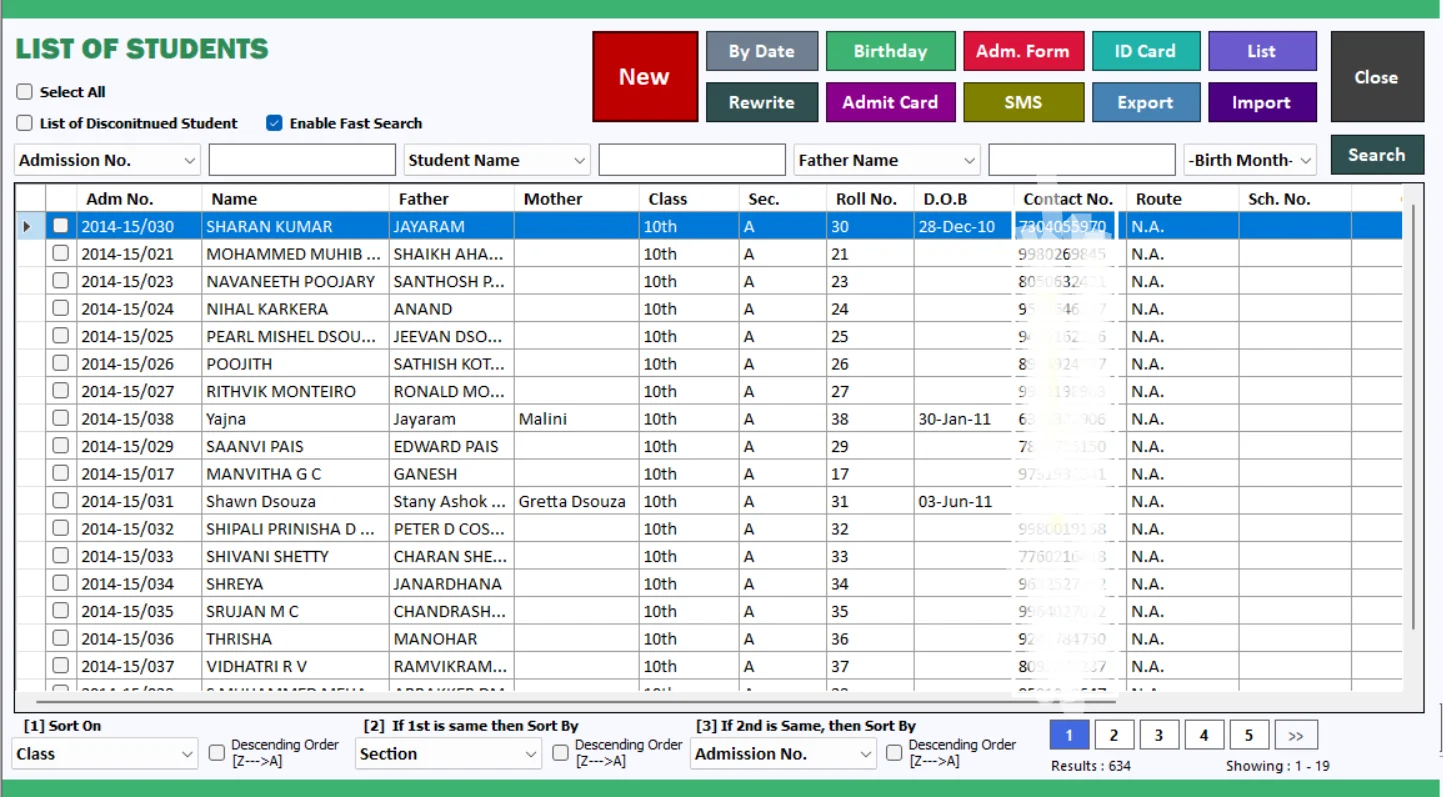
Student Admission
Bring student admission details into an organised record. My School 2.0 helps your office maintain student information and manage enrolment without repeatedly searching paper files.
Keep admission records ready for day-to-day administration.
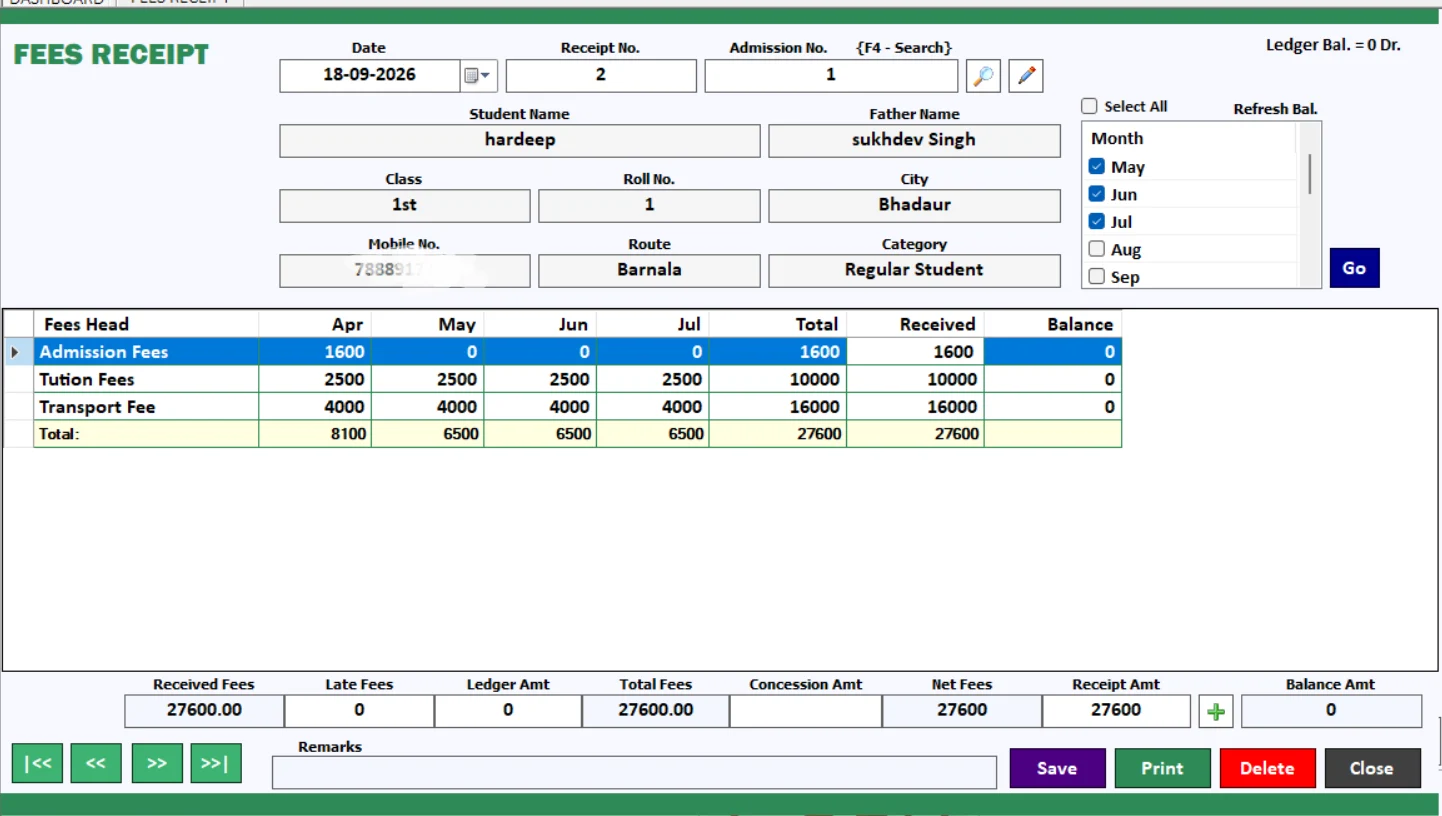
Record school fee payments and prepare receipts through a dedicated fee entry workflow. Give the accounts team a clear starting point for tracking collections and reviewing student payments.
Watch the fee-entry tutorial for family receipts and miscellaneous fees.
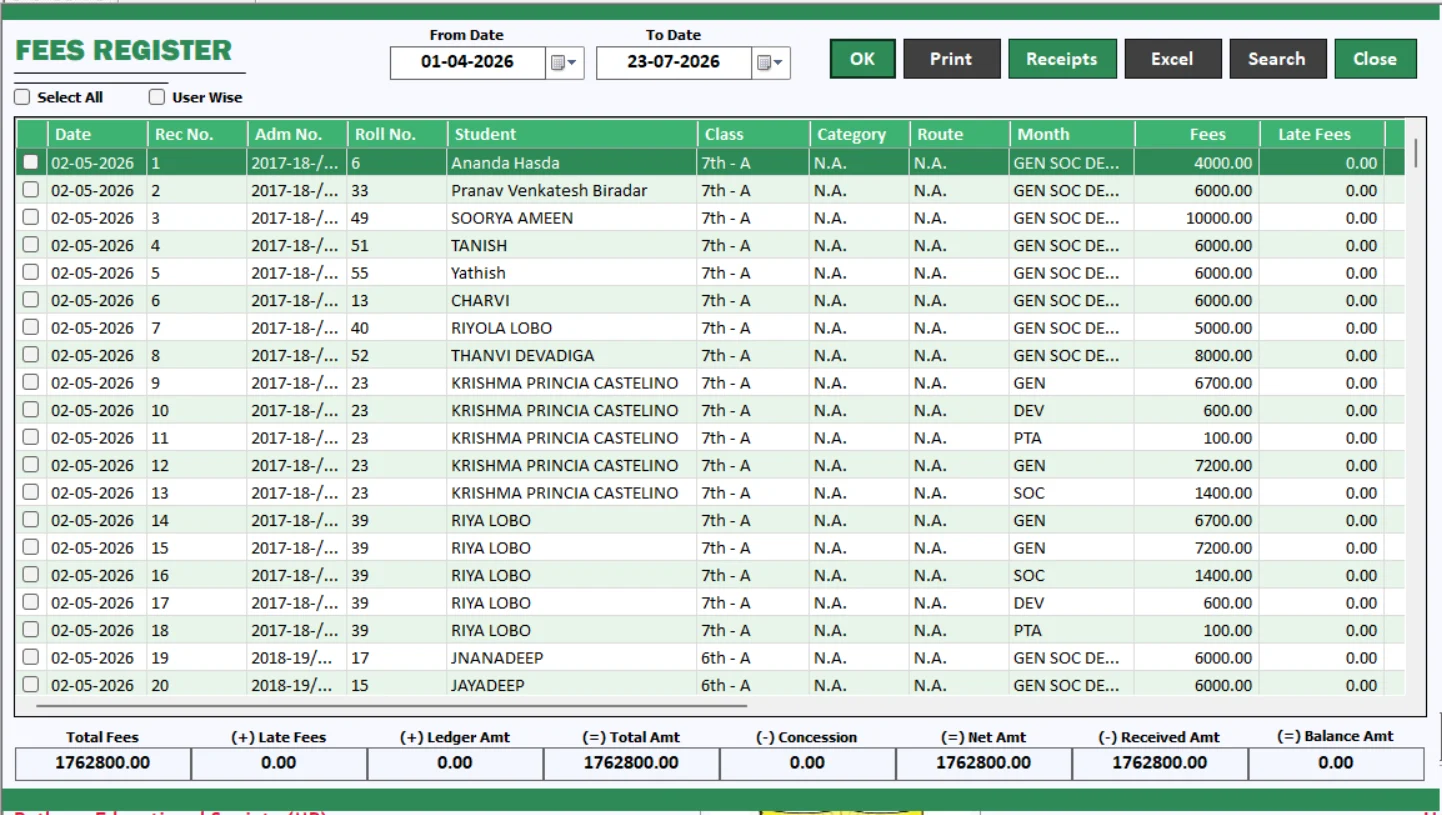
Review recorded receipts in one register. This school fee management report helps your team follow collection activity and locate entries when a parent asks about a payment.
Use the register alongside the fee day book during collection reviews.
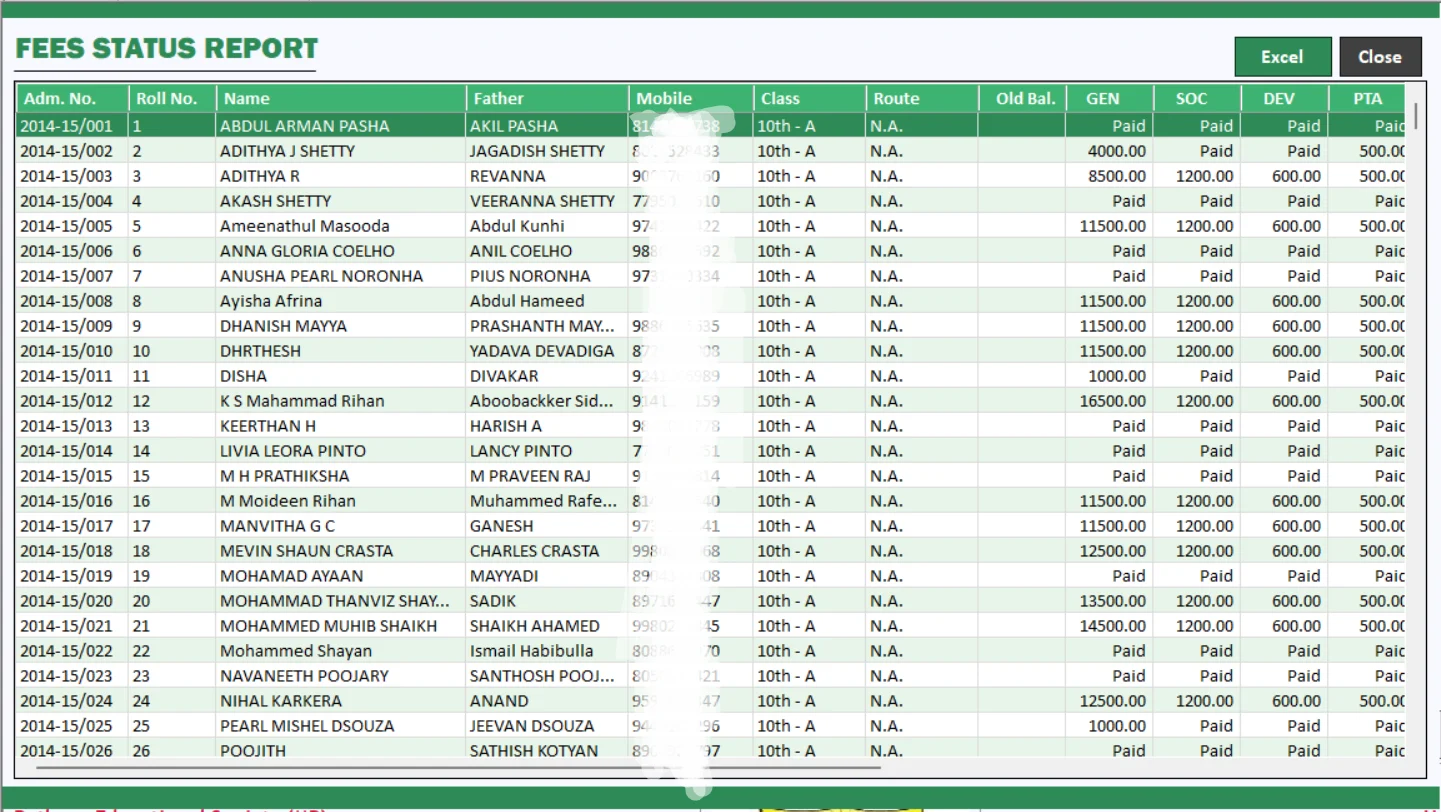
See where student fee accounts stand before planning follow-ups. A dedicated fees status report brings payment information into a more usable view for the school accounts office.
Review outstanding amounts alongside receipts and fee plans.
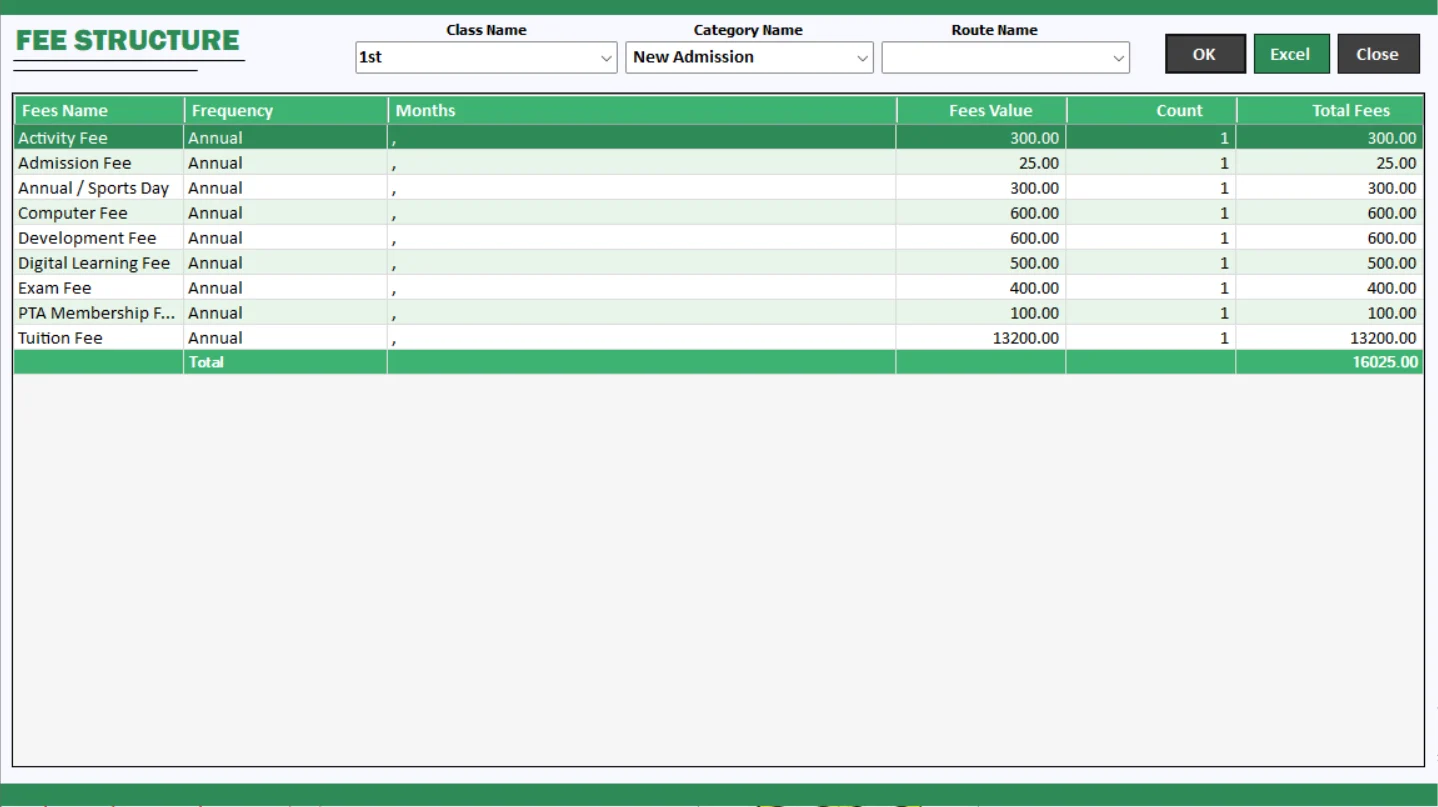
Review the fee structure used by your institution. Keep fee planning easier to explain by referring to an organised report when checking charges and answering parent enquiries.
Support clearer discussions about fees and planned collections.
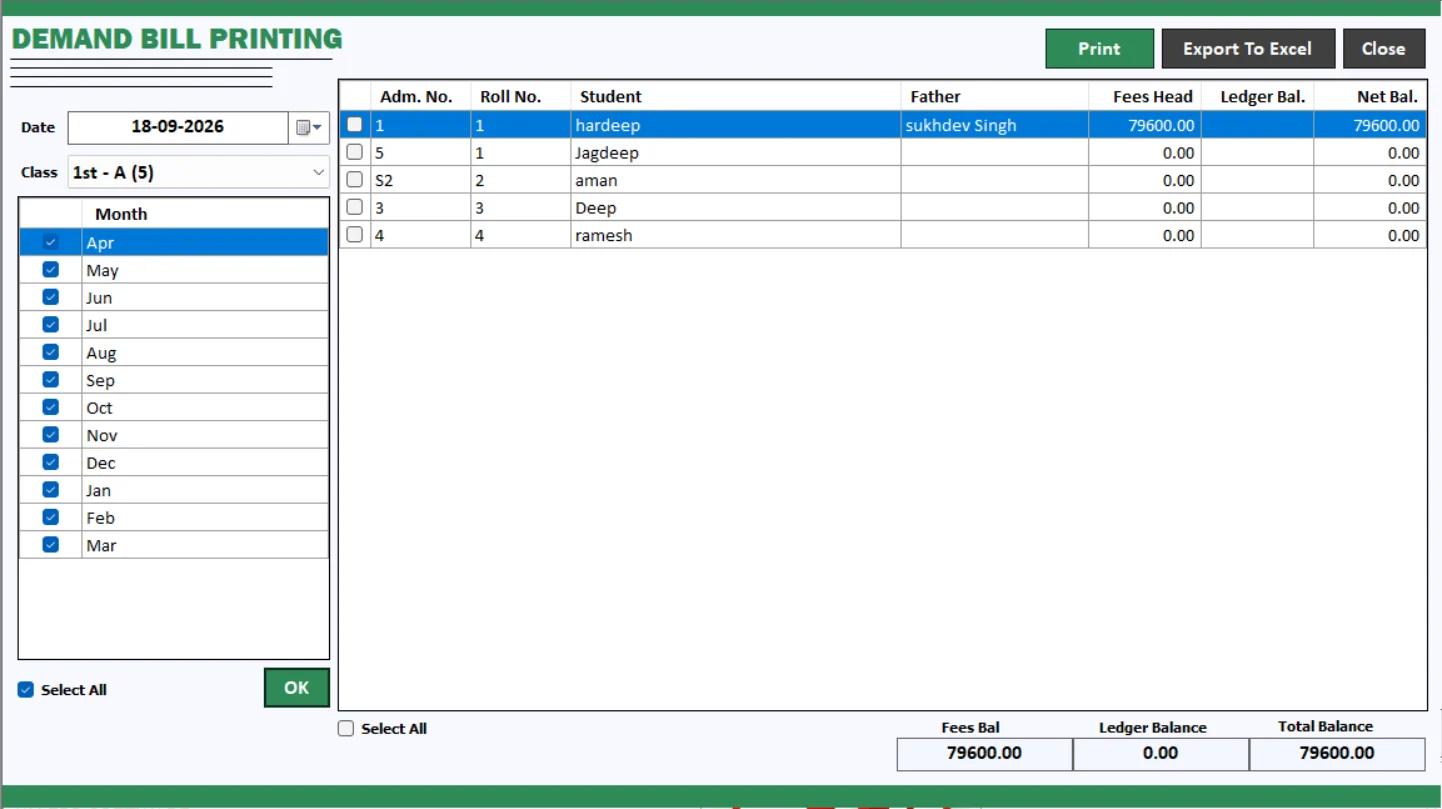
Prepare fee demand bills for communication with parents. My School 2.0 brings demand-bill printing into the fee management workflow so your team can present payable amounts clearly.
The video walkthrough also explains QR codes on demand bills.
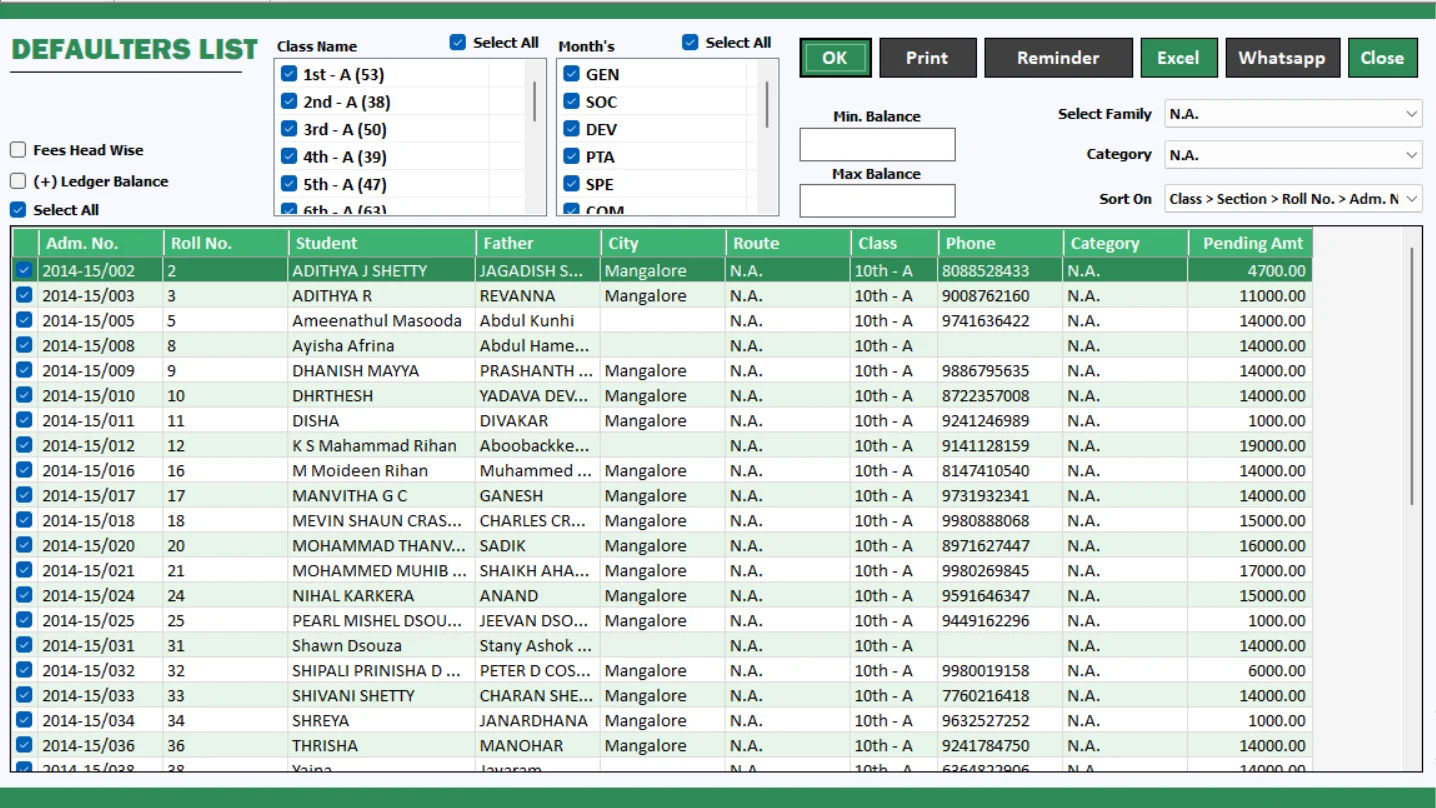
Identify outstanding fee accounts and organise follow-ups using the defaulter list. Give the accounts office a focused view of pending collections instead of checking every receipt individually.
Support respectful, timely fee reminders with an up-to-date dues review.
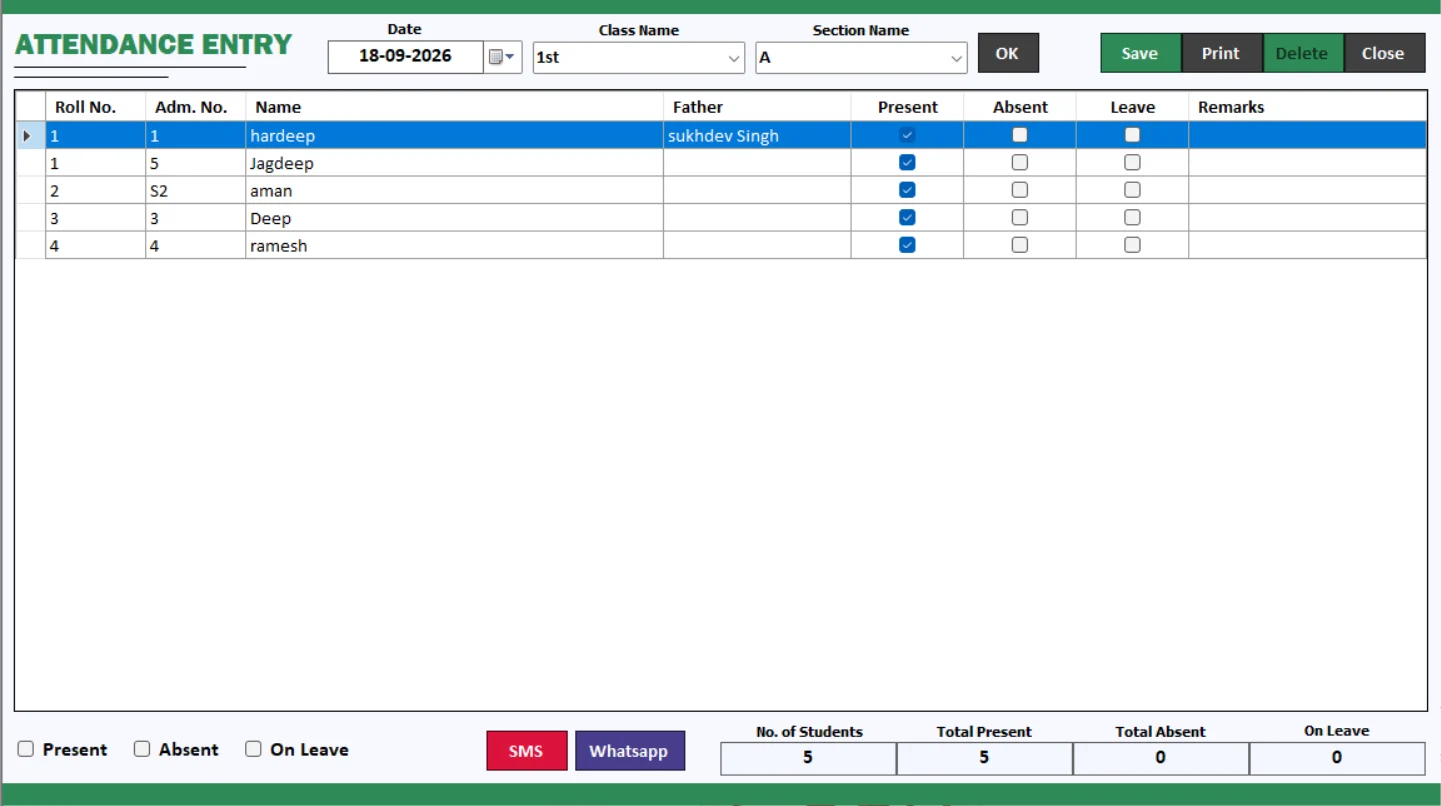
Maintain student attendance through a dedicated entry screen. Keep attendance records organised for routine class administration and subsequent reporting.
A practical attendance management workflow for the school office.
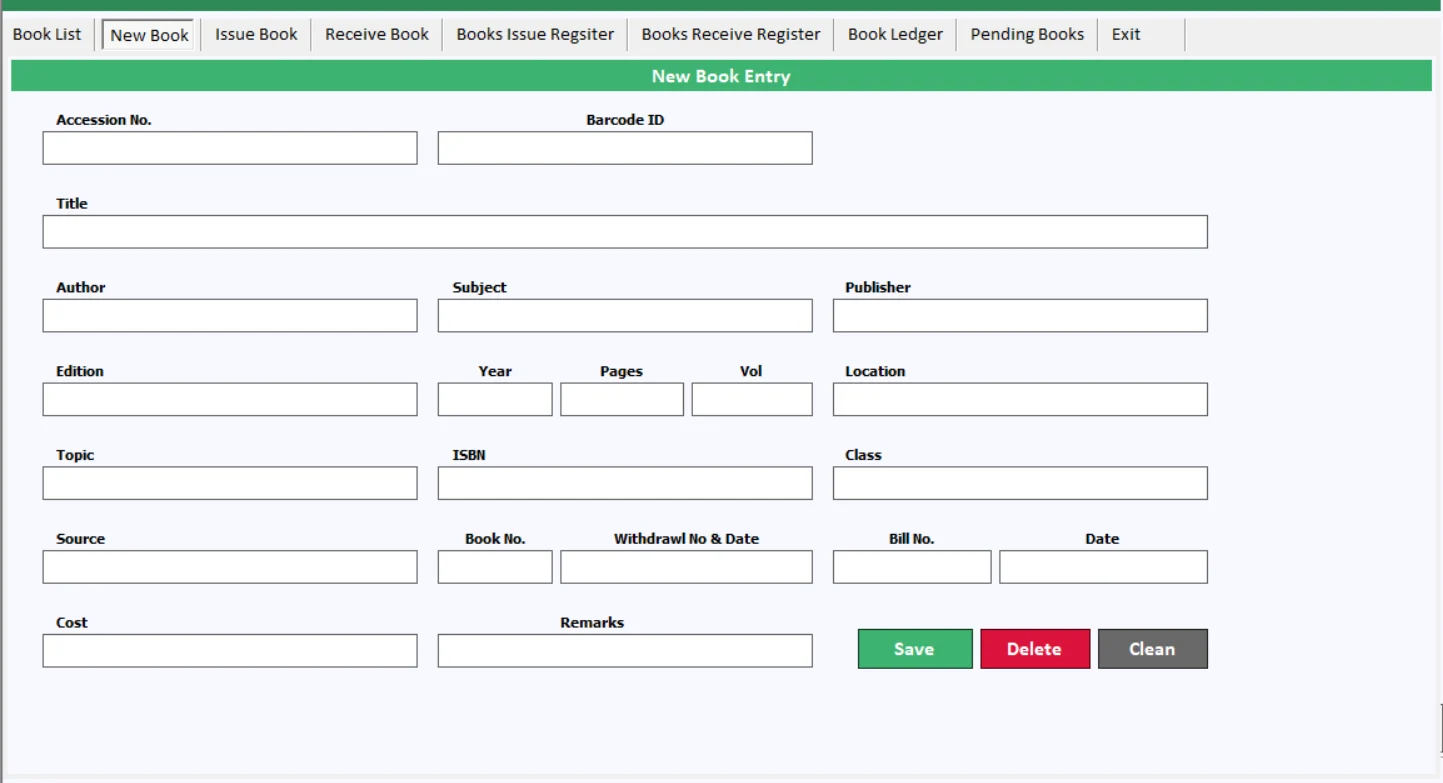
Bring school library administration into your ERP workflow. Use the library module to organise library records and manage the processes demonstrated in the detailed tutorial.
Keep library administration connected with your wider school management system.
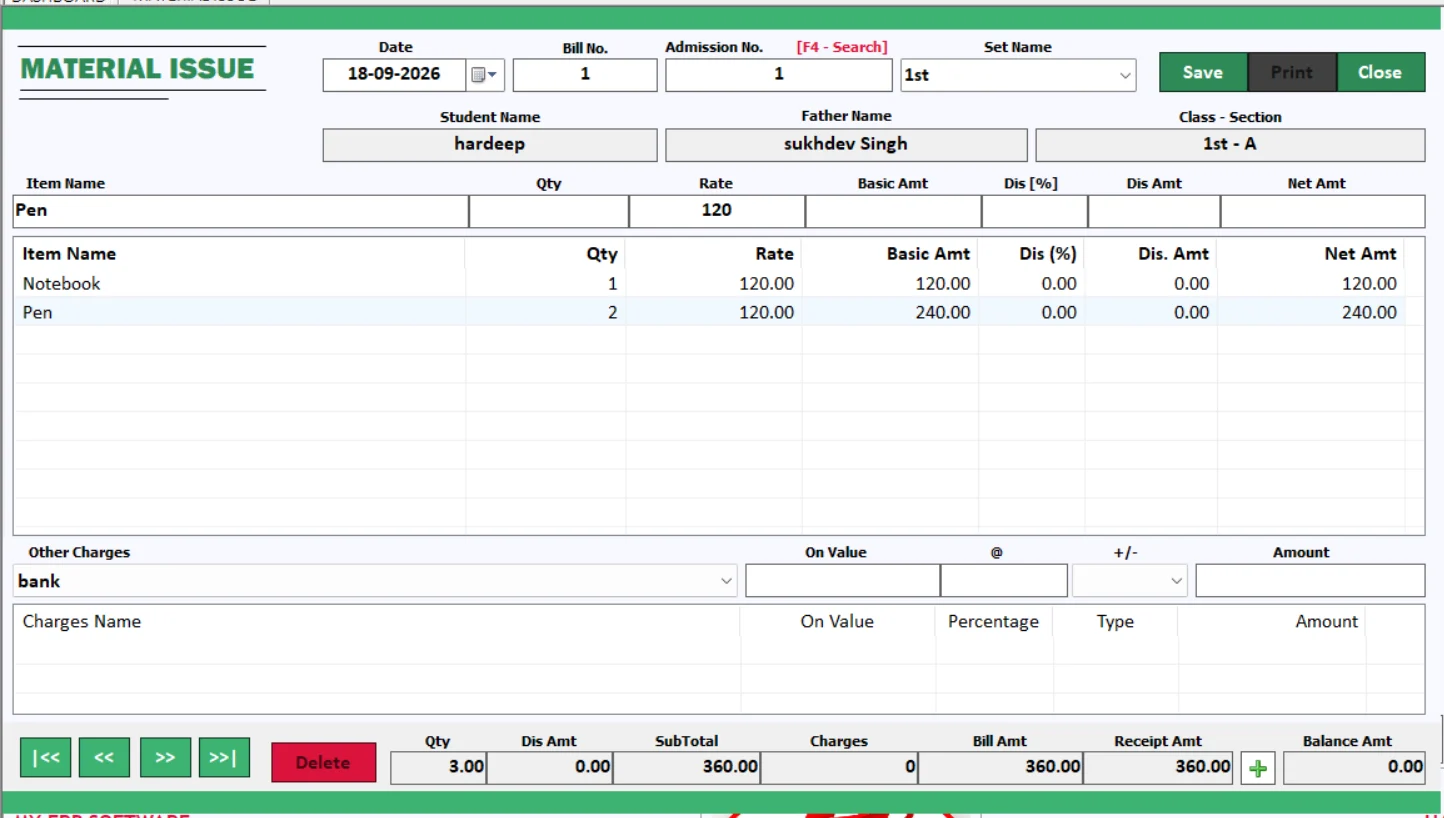
Record materials issued through the institution. Maintain a clearer trail of stationery and other school supplies so your team can review issues alongside stock records.
Useful for bringing structure to everyday school inventory management.
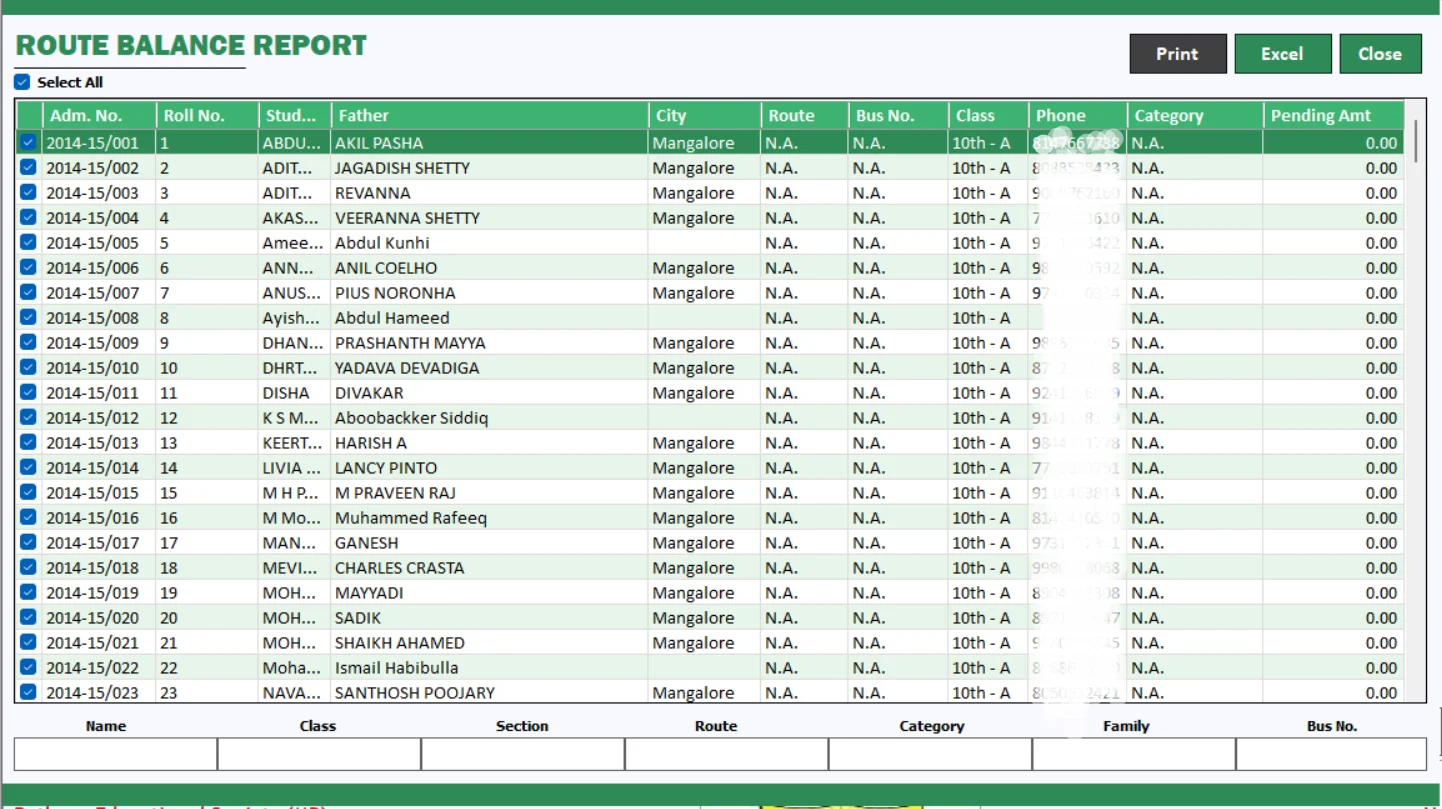
Review route-related balances with a dedicated transport report. Help the office follow transport dues and discuss balances with the relevant records at hand.
Bring fee follow-up and school transport administration closer together.
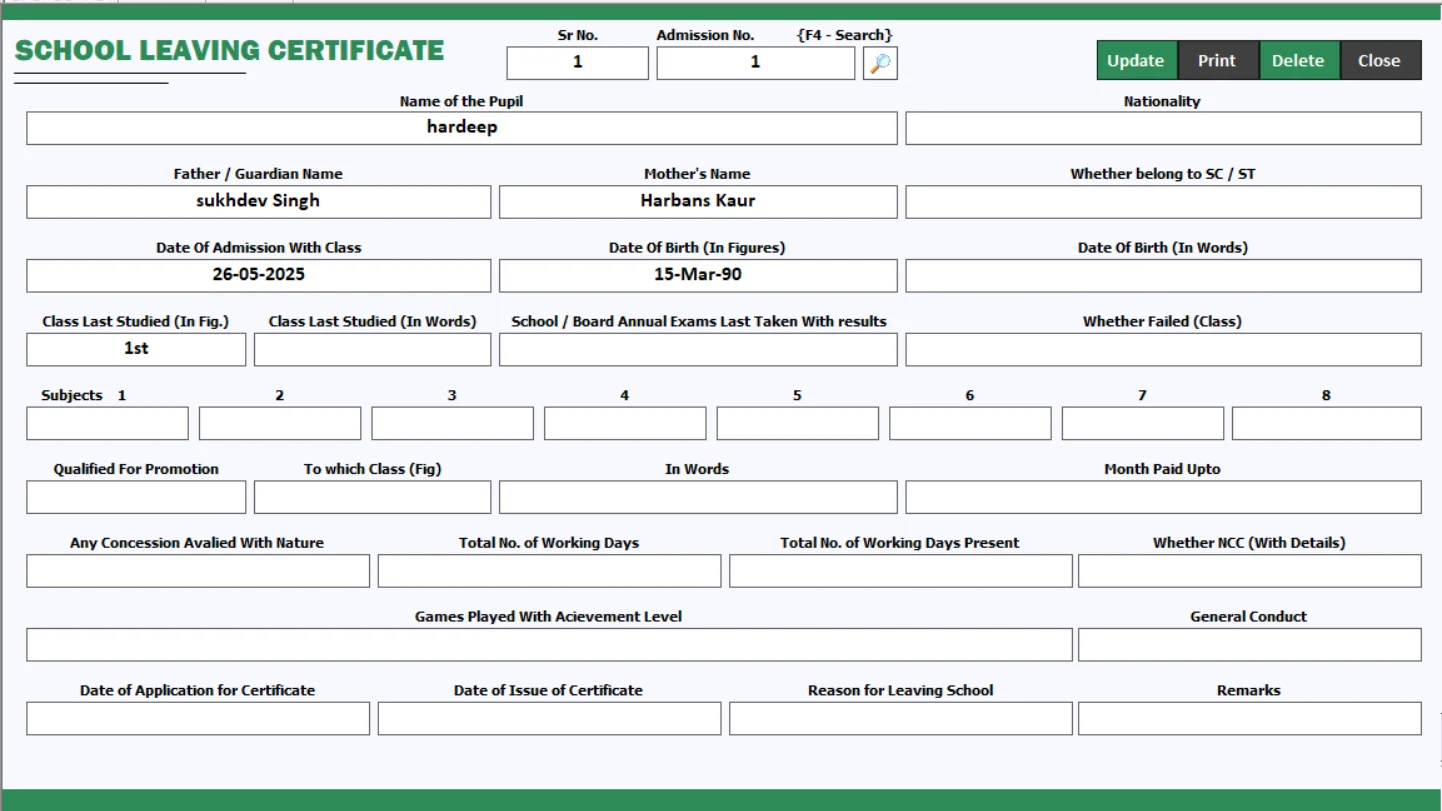
Prepare school leaving certificates using the certificate workflow. Organise student details for document preparation and review the final certificate before printing.
Reduce repeated document preparation with a consistent certificate process.
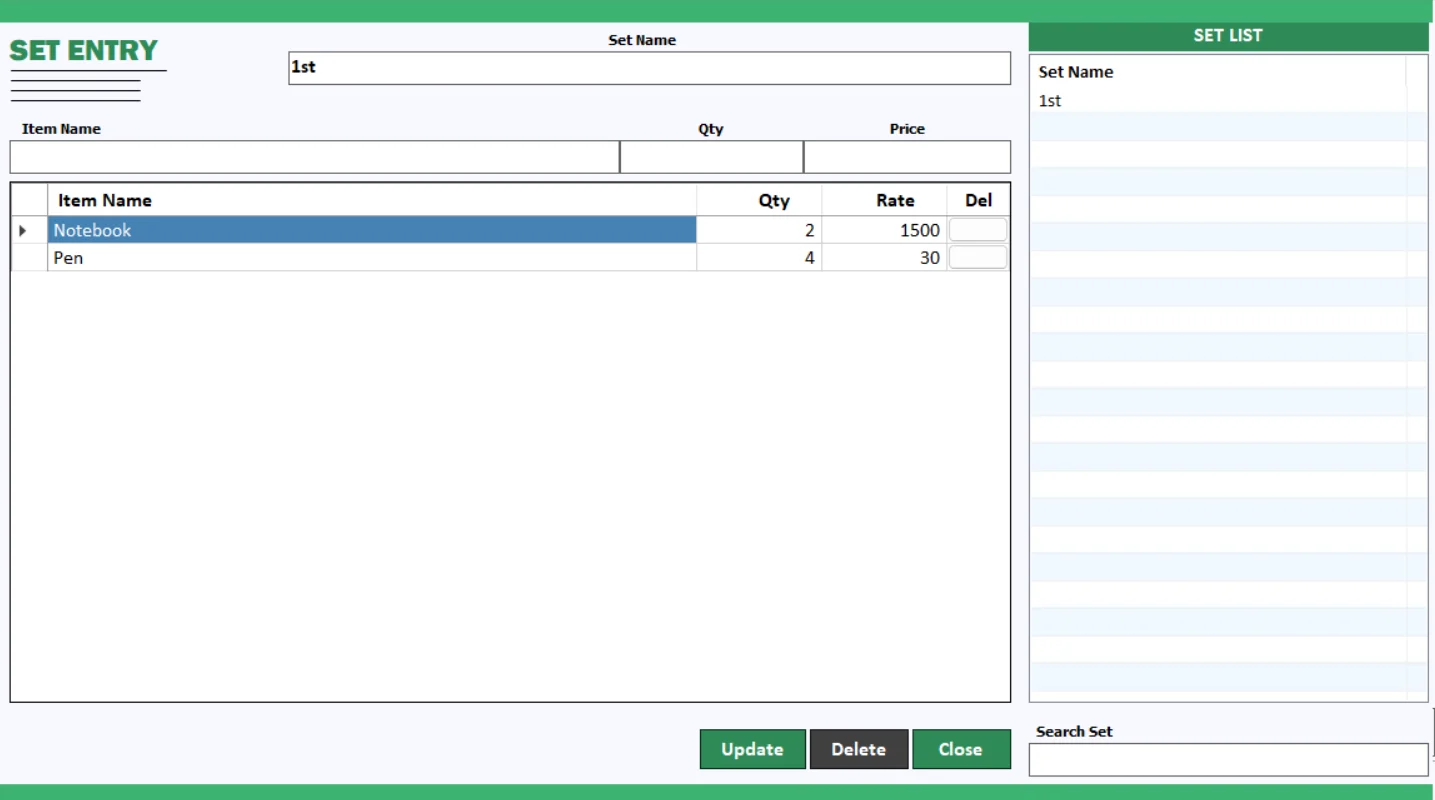
Organise related items into sets for school stock administration. Keep grouped materials easier to maintain when preparing stationery and other institutional supplies.
See the stationery tutorial for the wider stock and inventory workflow.
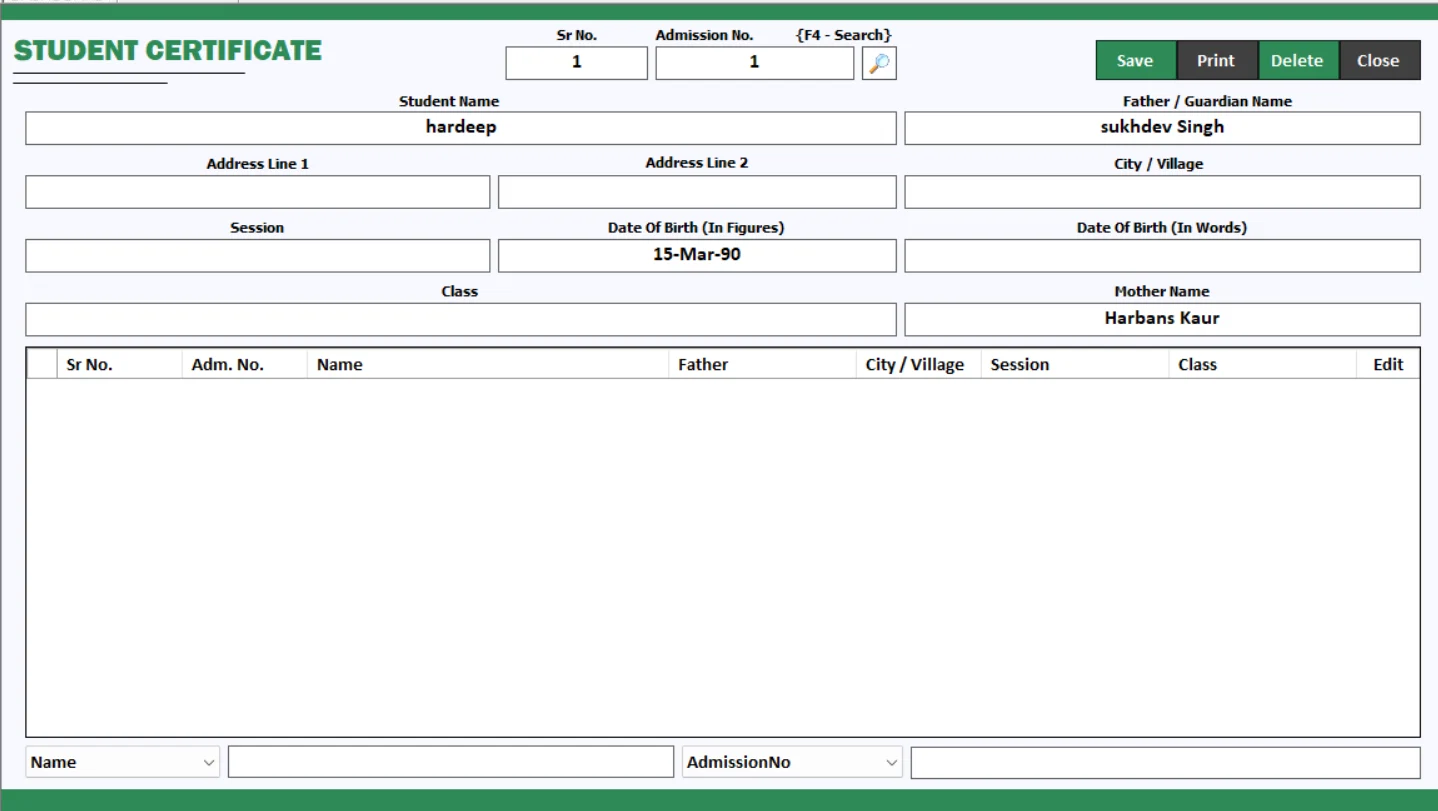
Prepare student certificates from a dedicated module. Keep document preparation organised and review the required details before issuing a certificate.
Discuss your required certificate formats during a product demo.
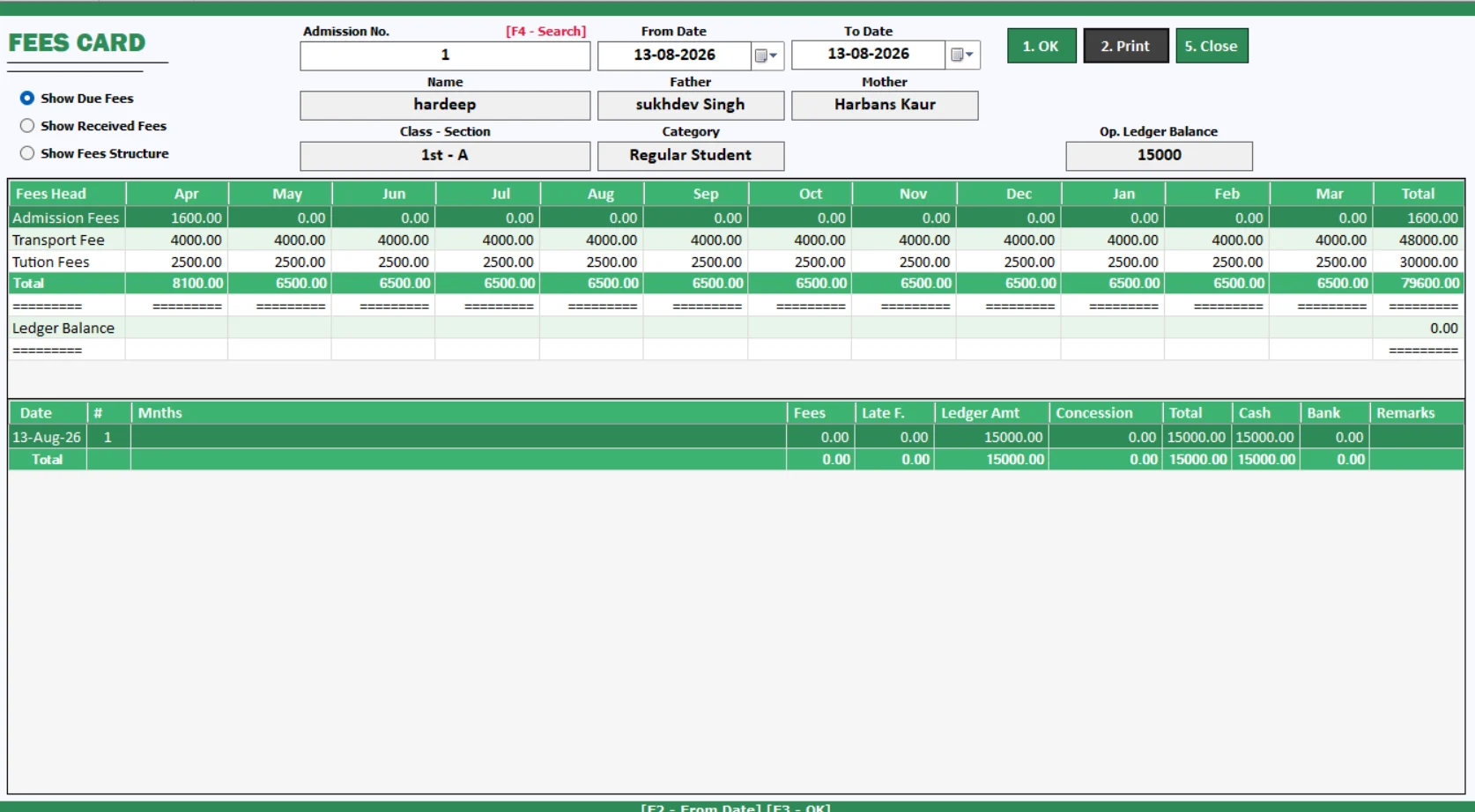
Keep a student-focused view of fee information with the fees card. Support parent discussions and routine fee checks with a record that is easier to refer to.
Use fees cards alongside status reports and dues lists.
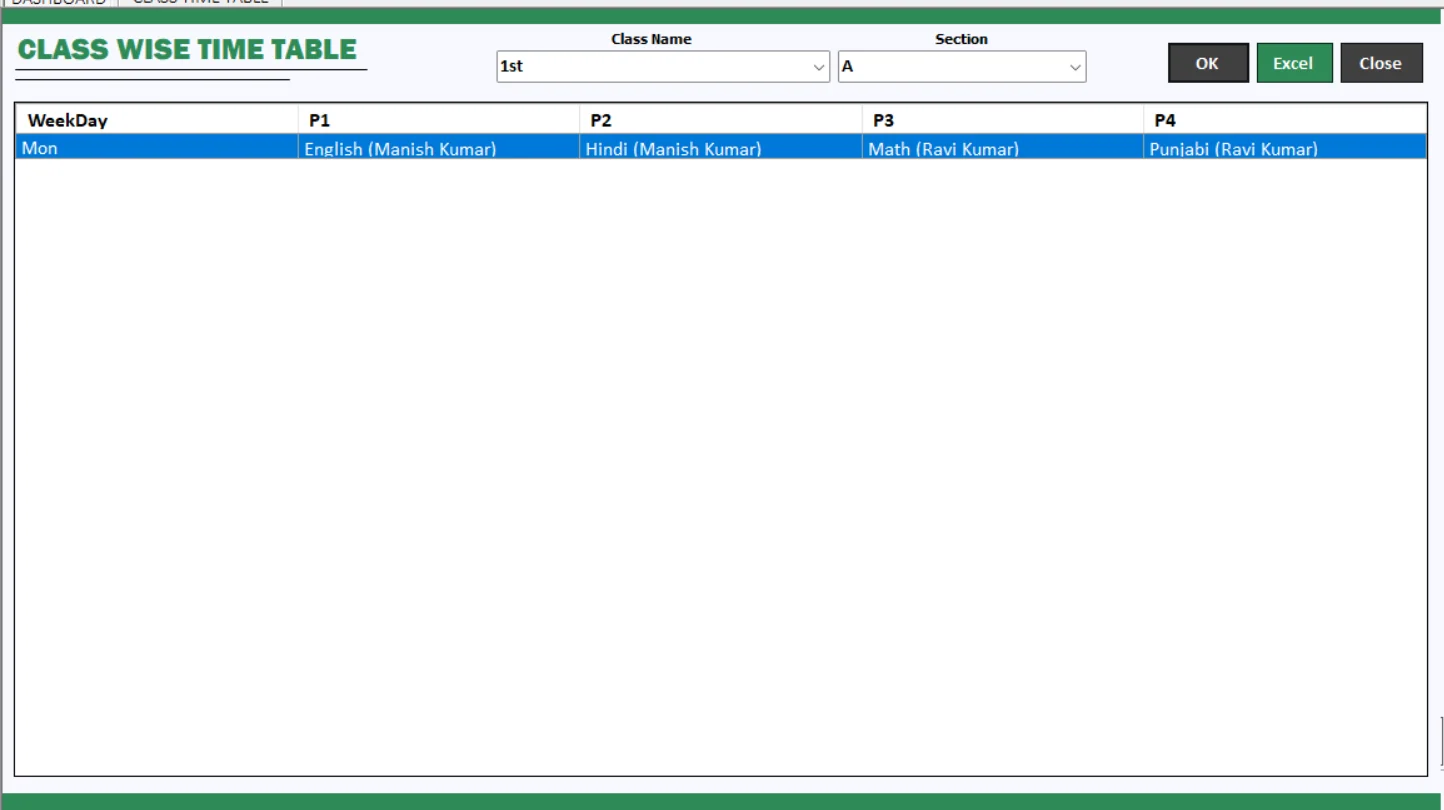
Organise timetables from both the class and teacher perspective. My School 2.0 helps bring teaching schedules into a structured workflow for academic administration.
Follow the teacher timetable tutorial to explore the setup process.
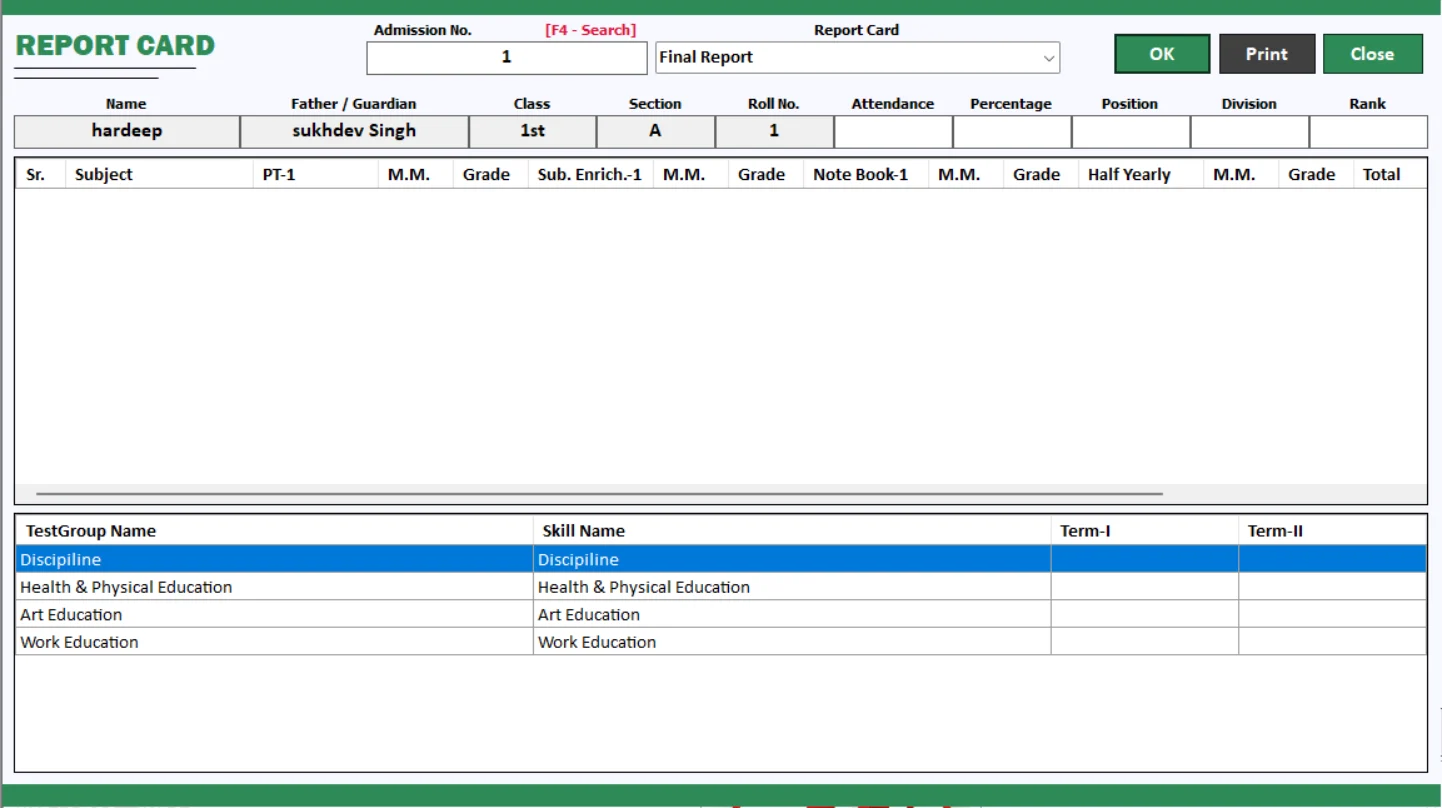
Prepare and print student report cards through the examination workflow. Review report formats and exam configuration before producing the final documents.
Watch the report-card design tutorial for a closer look at the exam module.
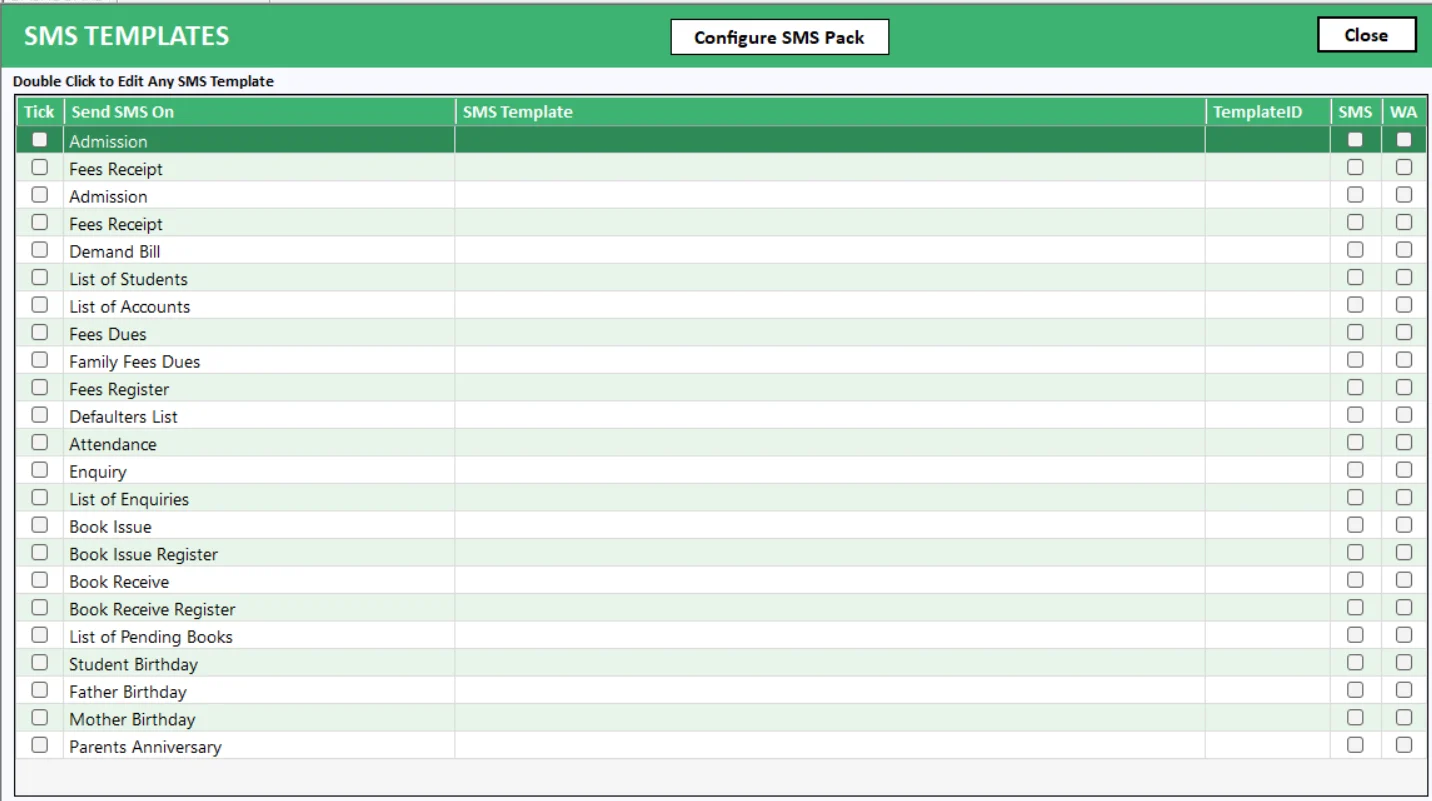
Prepare consistent communication templates for school messages. Combine your messaging workflow with relevant student and fee information when contacting parents.
WhatsApp and SMS services require the appropriate integration and provider setup.
My School 2.0 is school and college management software from Hardeep ERP Software. Its modules cover student administration, fee management, attendance, timetables, report cards, transport, certificates, library and inventory.
The described workflows include fee receipts, fee plans, fees cards, fee day book, dues lists, demand registers, fee status reports and demand bill printing. Ask for a demo of your required collection process.
My School 2.0 is offered for schools and colleges. Share your courses, classes, fee rules and reporting needs so our team can confirm how the software fits your institution.
WhatsApp messaging, SMS integration and message templates are part of the described feature set. Provider accounts, configuration and messaging charges should be confirmed with our team.
Yes. The software includes attendance entry, class-wise and teacher-wise timetables, and report-card printing. Watch the linked tutorials to explore these workflows.
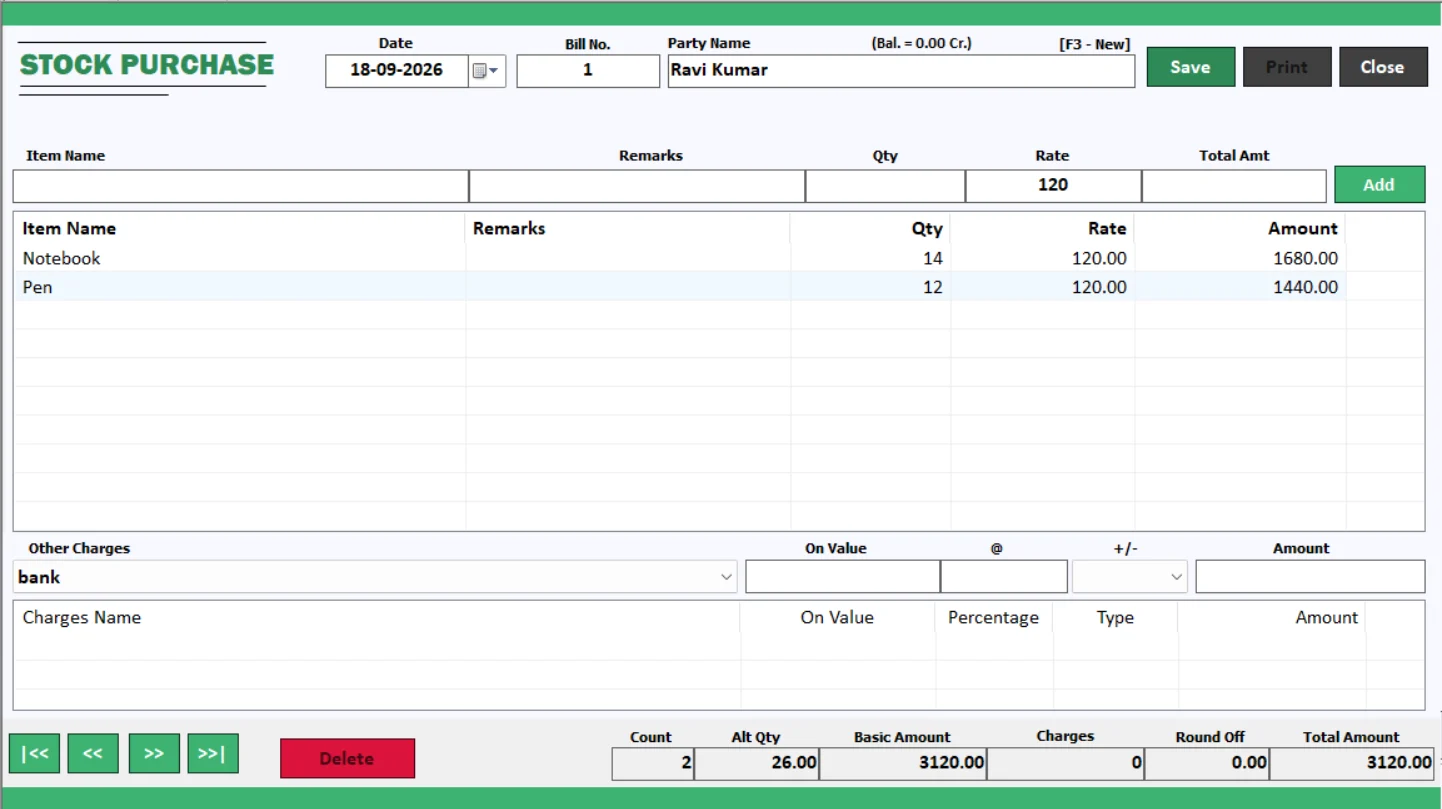
The described modules include library management, transport maintenance, route balance reporting, material issues, set-wise items and stock purchase entries.
Use the Software Download button for the My School 2.0 setup. The Support Setup button opens our support downloads page. Contact the team to confirm system requirements and installation steps.
Request a quote based on your institution and required setup. Our team can explain licensing, implementation, support and any messaging-provider charges.
Yes, you can contact us from outside India. Please confirm local fee formats, currency, academic requirements, language, installation and support arrangements with our team before purchasing.
Auto Backup is listed among the additional features. Ask our support team to explain configuration, storage location and restoration procedures for your installation.
Make your next school day simpler.
Tell us about your school or college. We will help you explore the fee, admission and academic workflows that matter to your team.