Predefined tests & formulas
Satisfied users
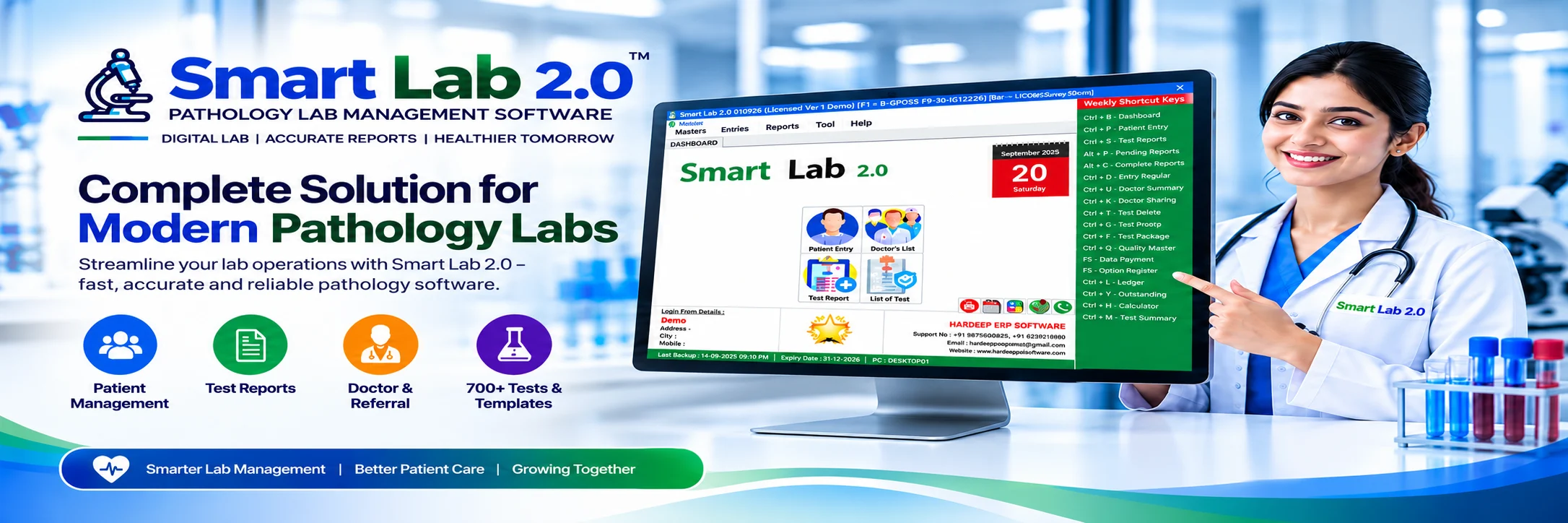
Smart Lab 2.0 Pathology Lab Management Software
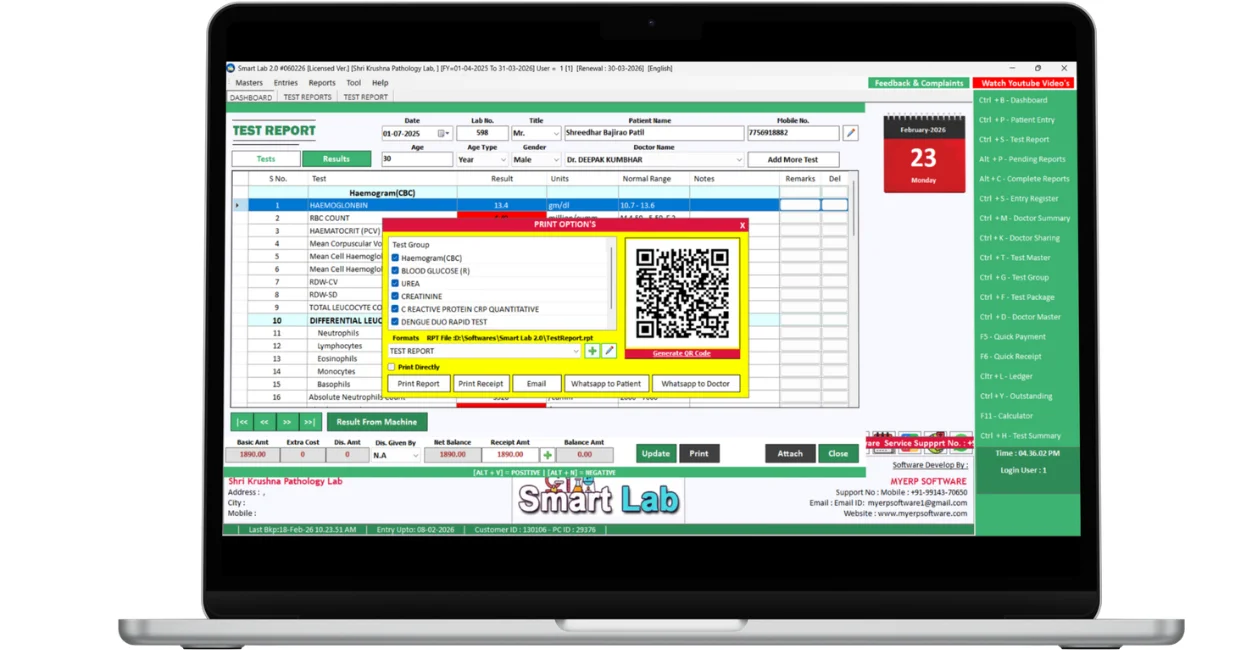
Bring patient registration, test reporting, lab billing and report sharing into one organised workflow. Smart Lab 2.0 helps clinical laboratories manage everyday work with 700+ predefined tests and formulas, user-wise security, QR report verification and direct WhatsApp reports.
Designed for diagnostic centres and clinical laboratories, this pathology reporting software connects patient registration, laboratory test management and lab billing in one practical workflow.
Free demo available · Offline & online optionsTalk to our team:
+91 78889 17735
Smart Lab 2.0 Pathology Lab Management Software
Bring patient registration, test reporting, lab billing and report sharing into one organised workflow. Smart Lab 2.0 helps clinical laboratories manage everyday work with 700+ predefined tests and formulas, user-wise security, QR report verification and direct WhatsApp reports.
Designed for diagnostic centres and clinical laboratories, this pathology reporting software connects patient registration, laboratory test management and lab billing in one practical workflow.
Free demo available · Offline & online optionsTalk to our team:
+91 78889 17735
Predefined tests & formulas
Satisfied users
From patient entry to the final report.
Explore the features that keep your clinical laboratory’s registration, reporting, collections and communication connected.
Explore clinical laboratory management software for patient records, diagnostic test reporting, WhatsApp report delivery and daily laboratory administration.
Patient Entry
Register patients and organise their laboratory visits.
Keep patient registration and selected investigations organised.
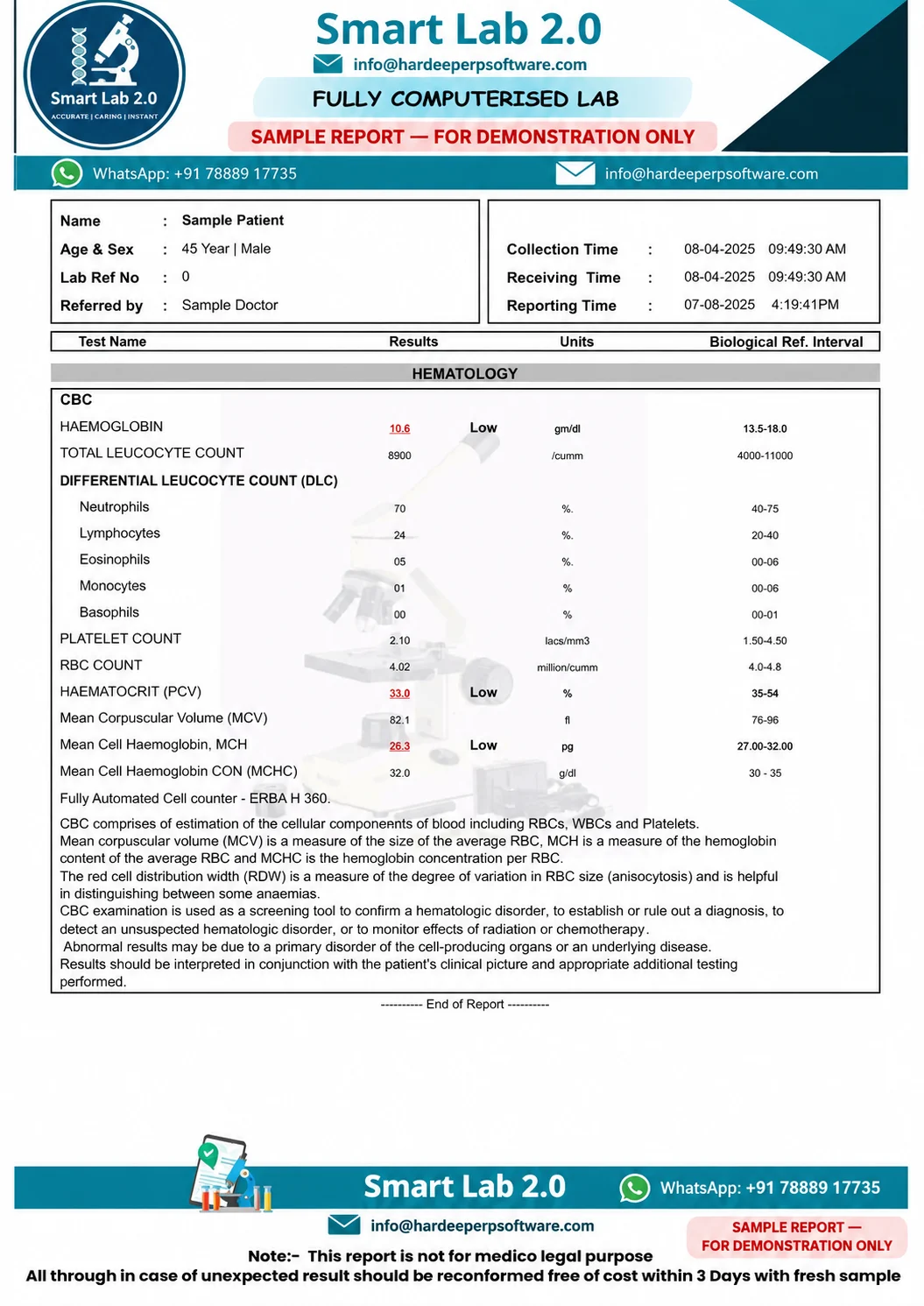
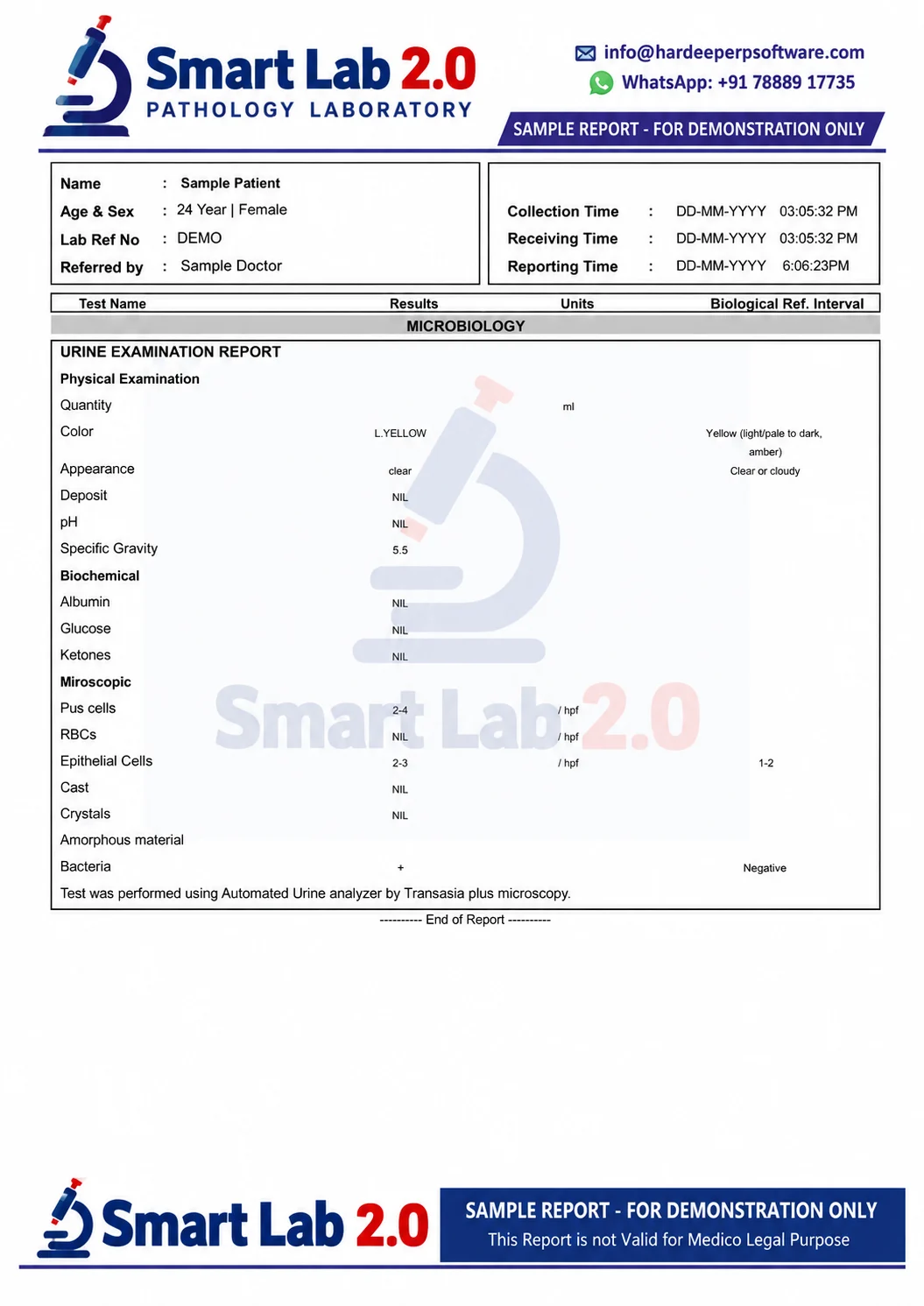
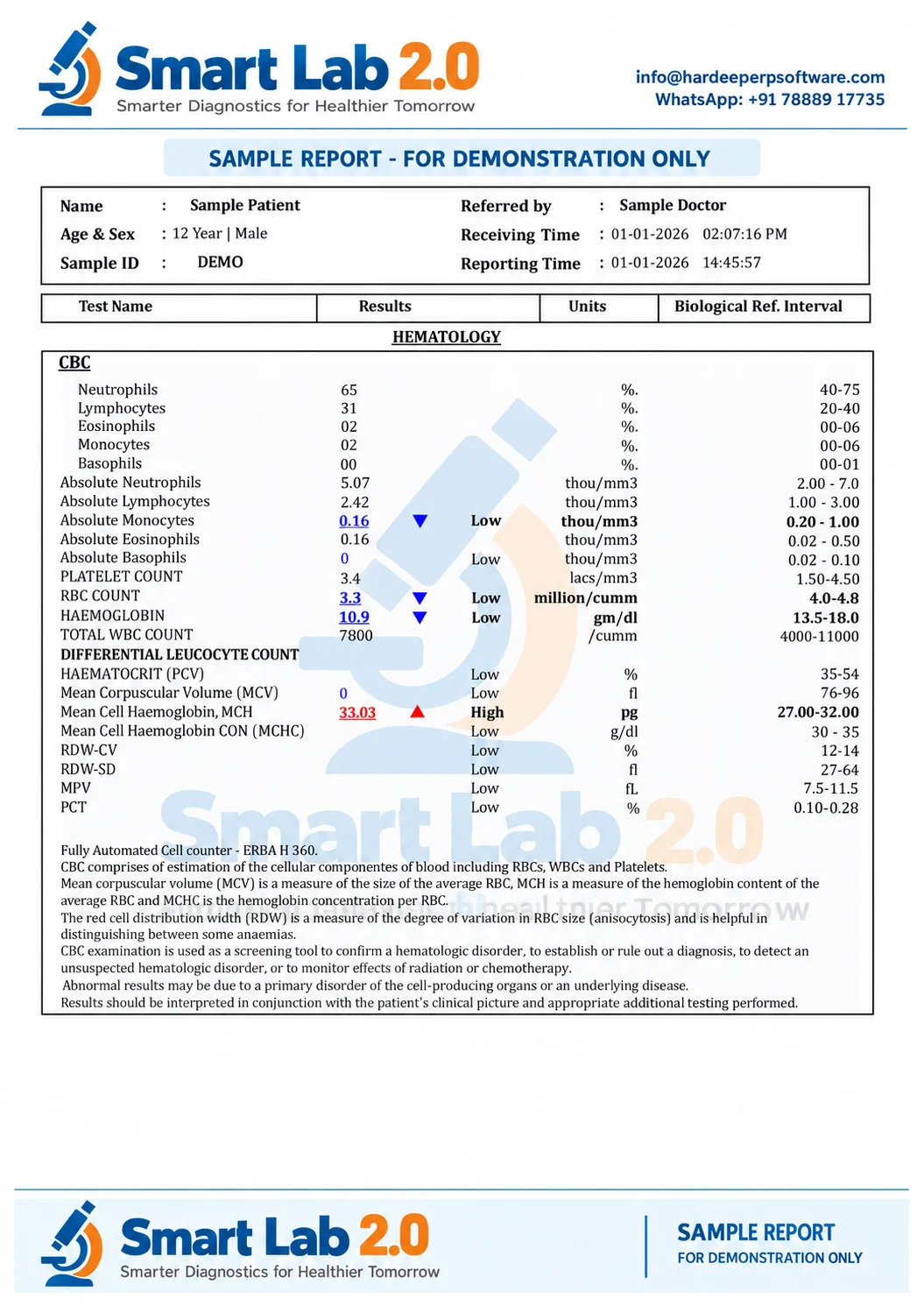
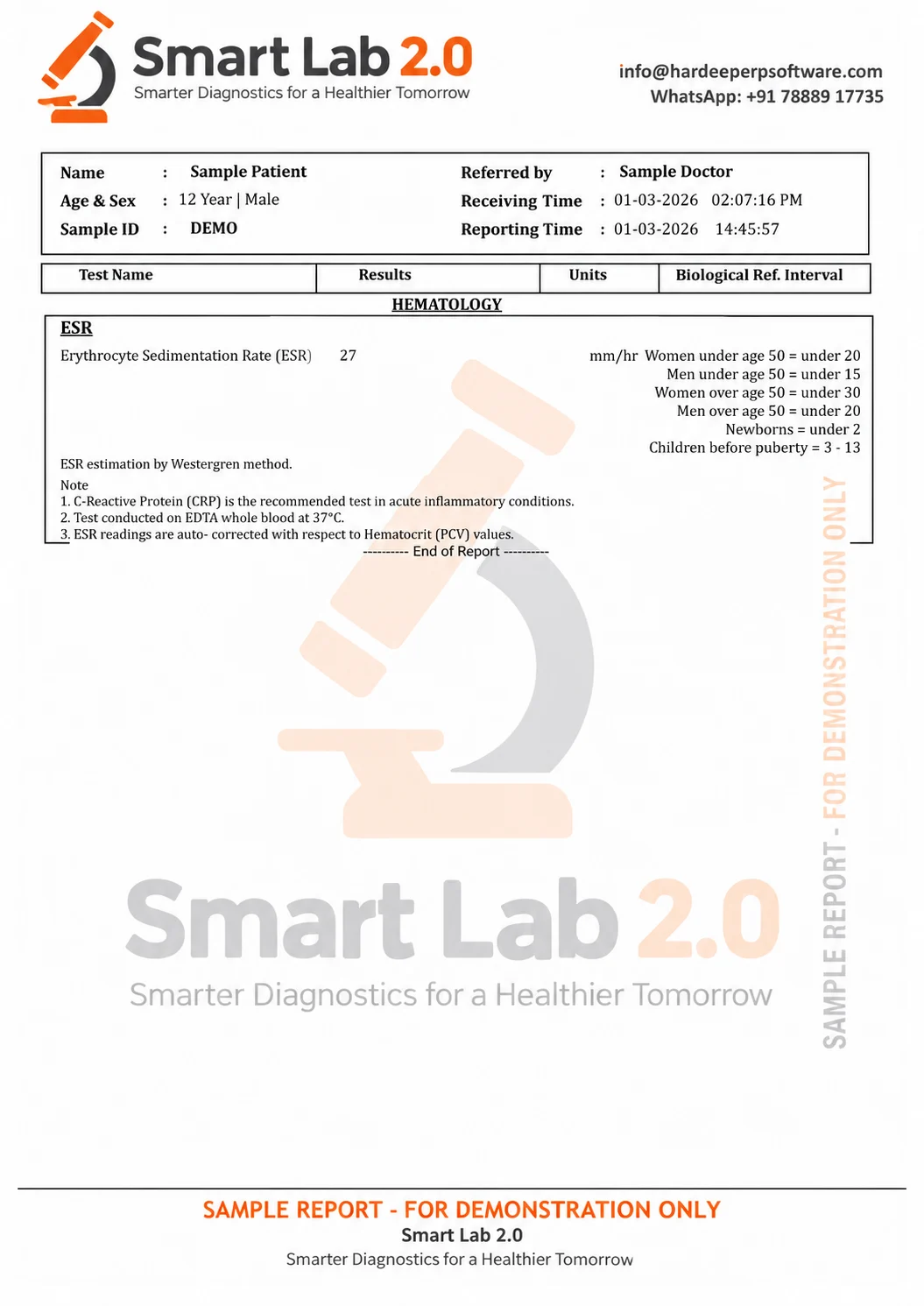
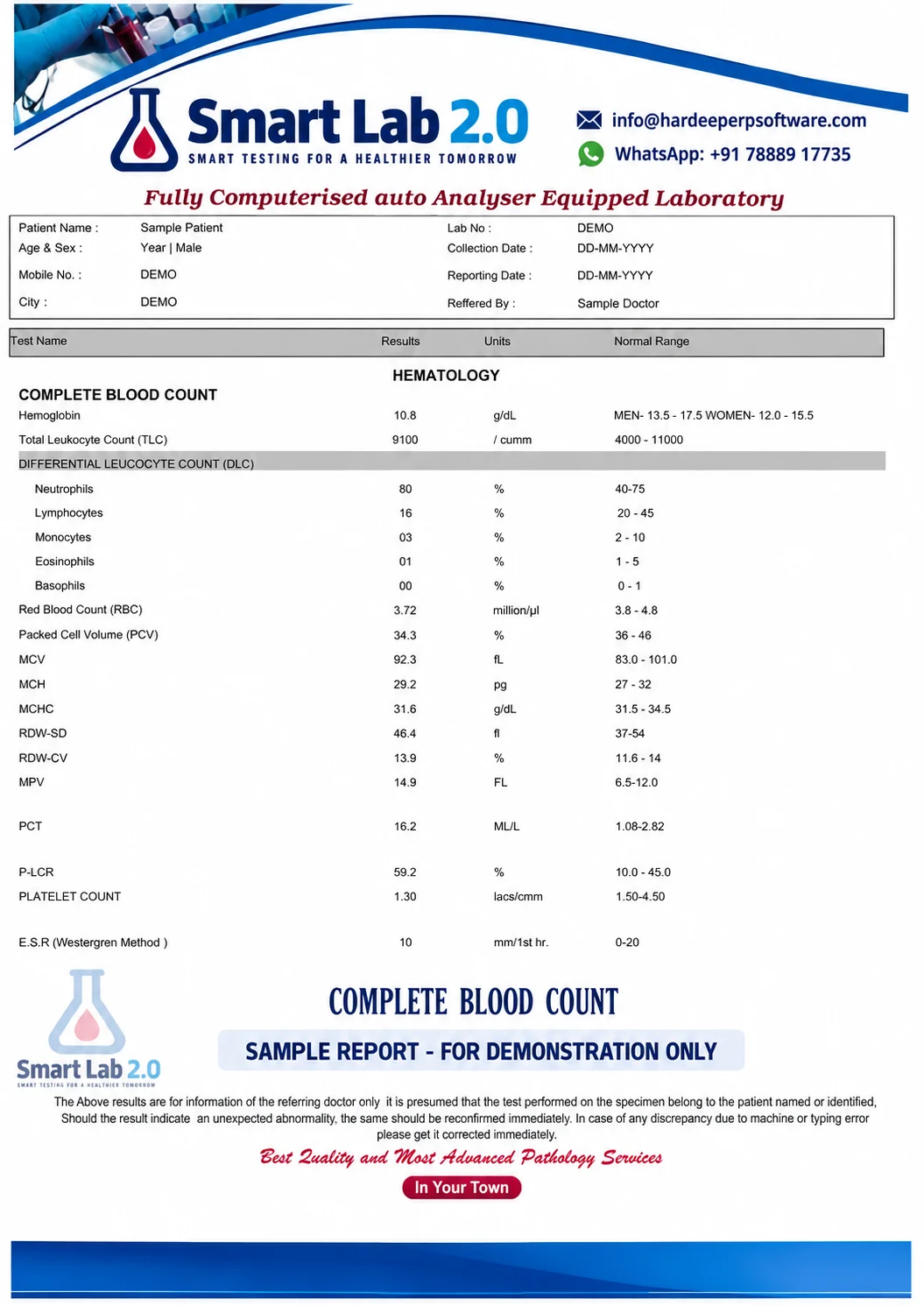
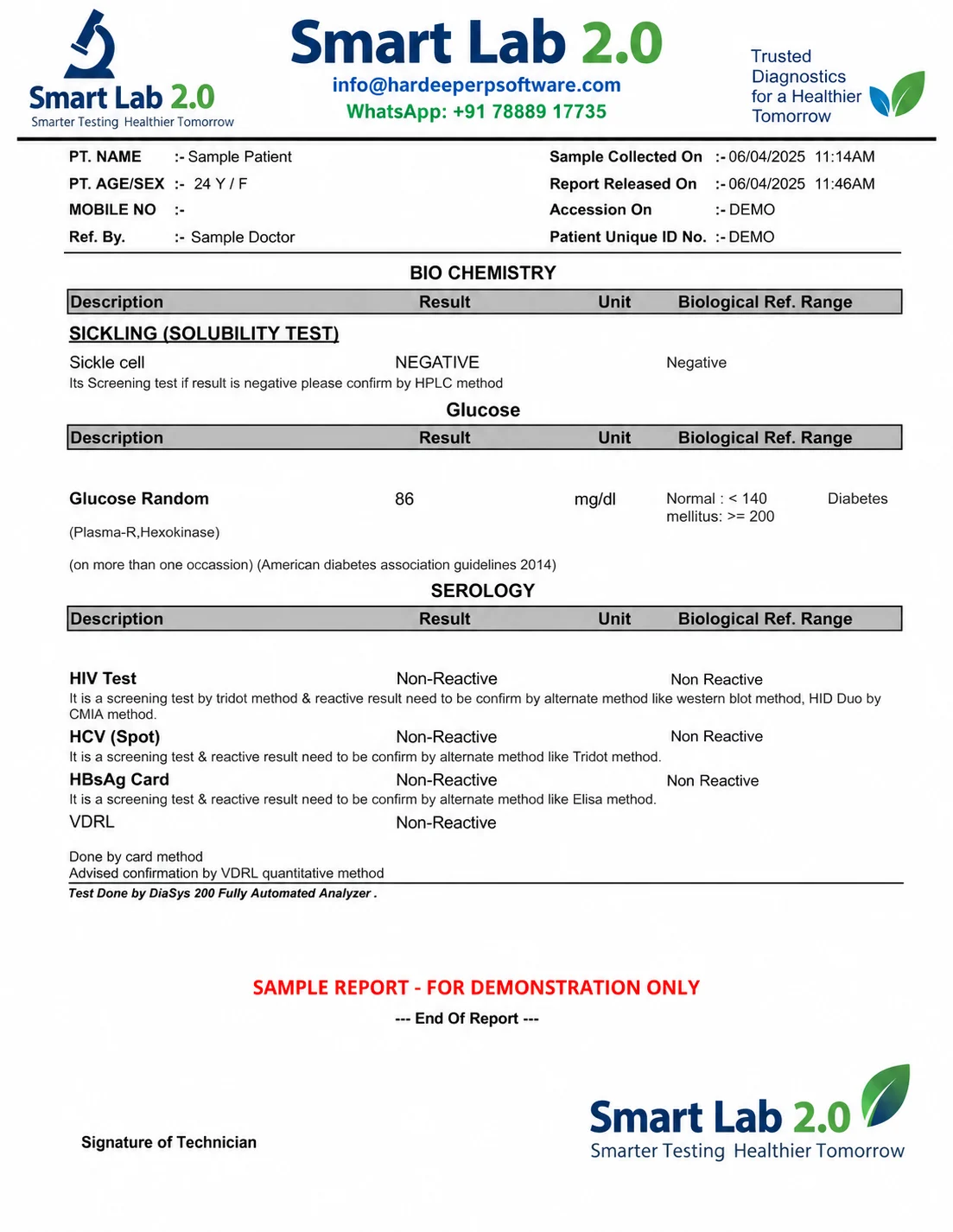
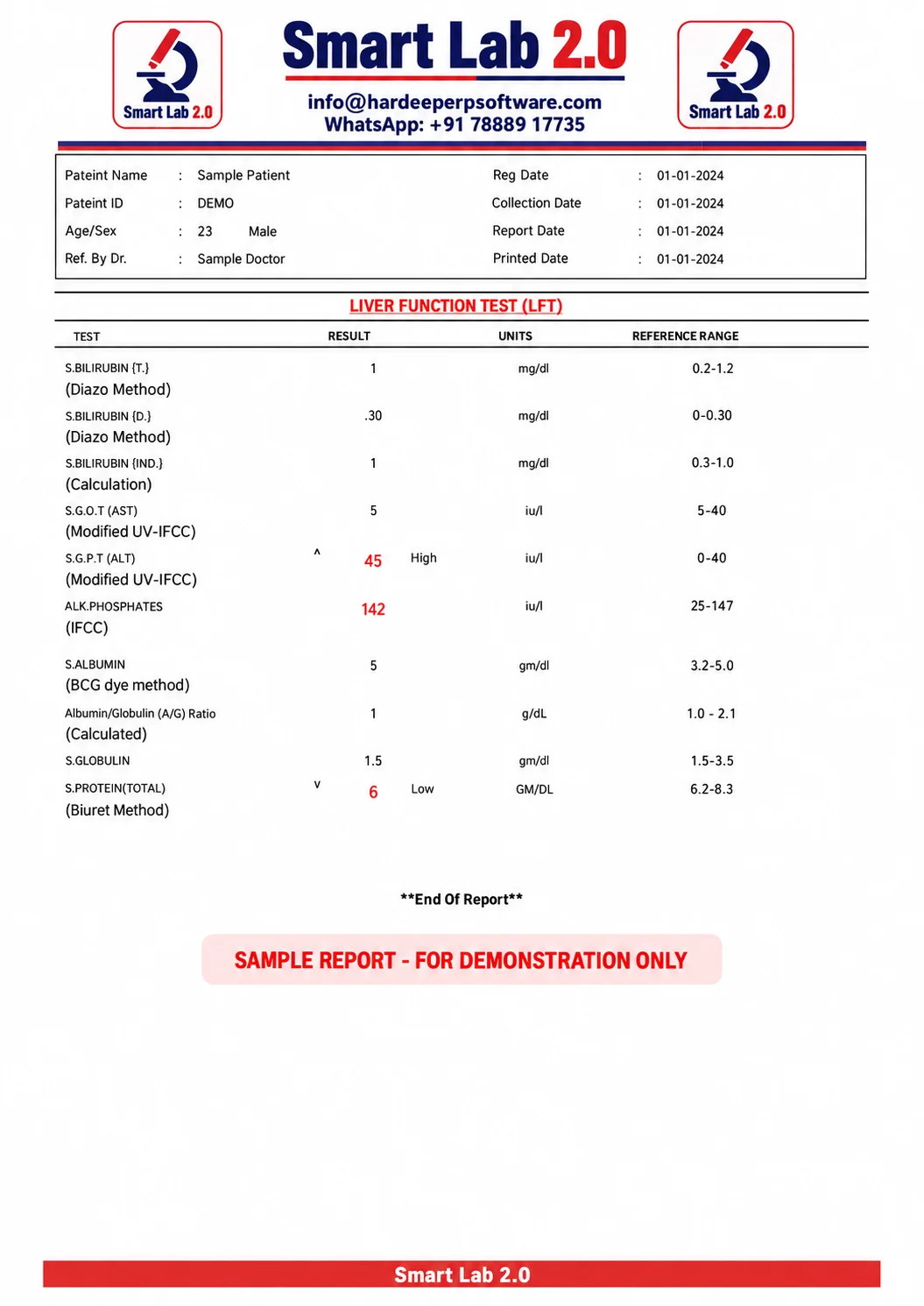
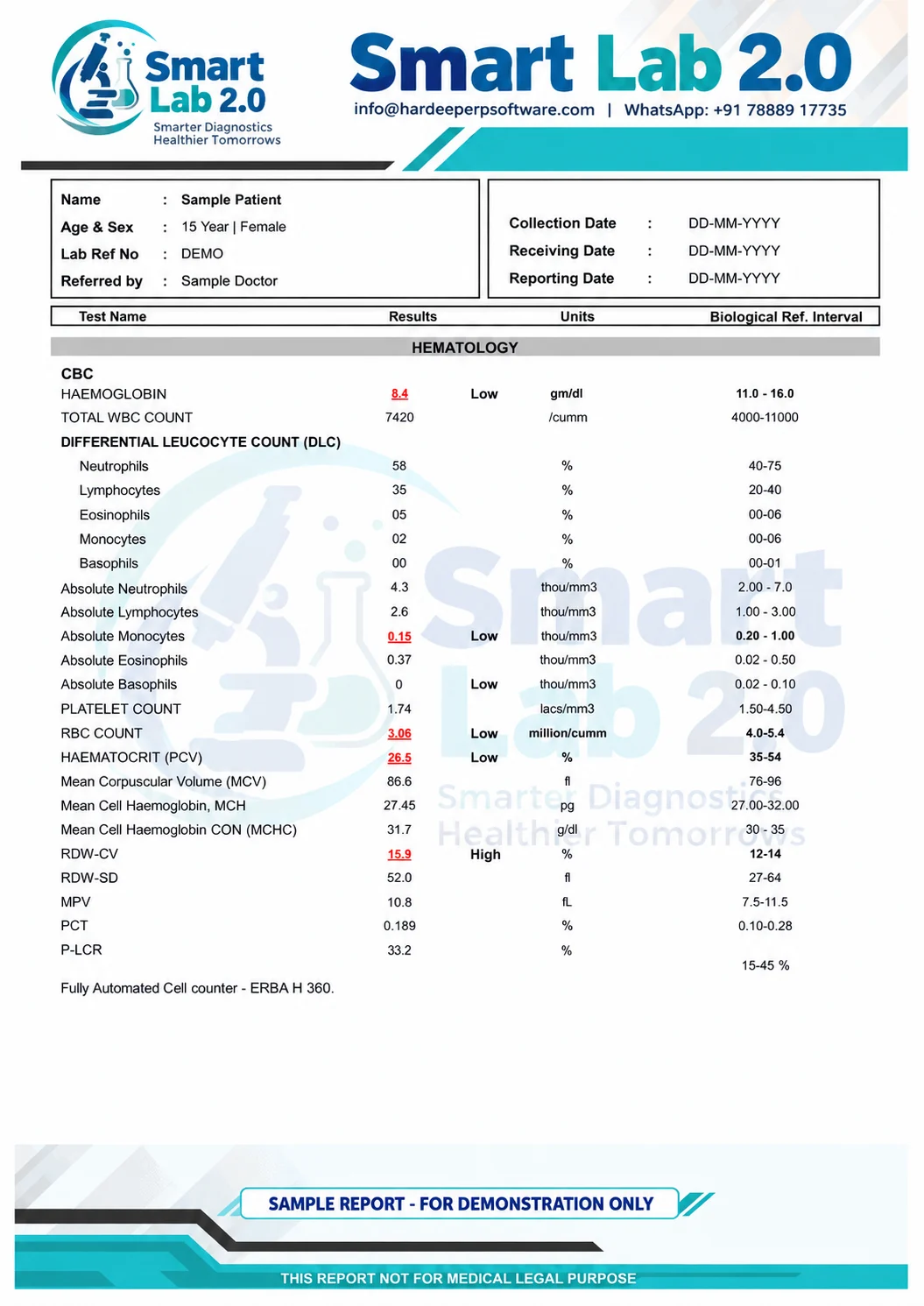
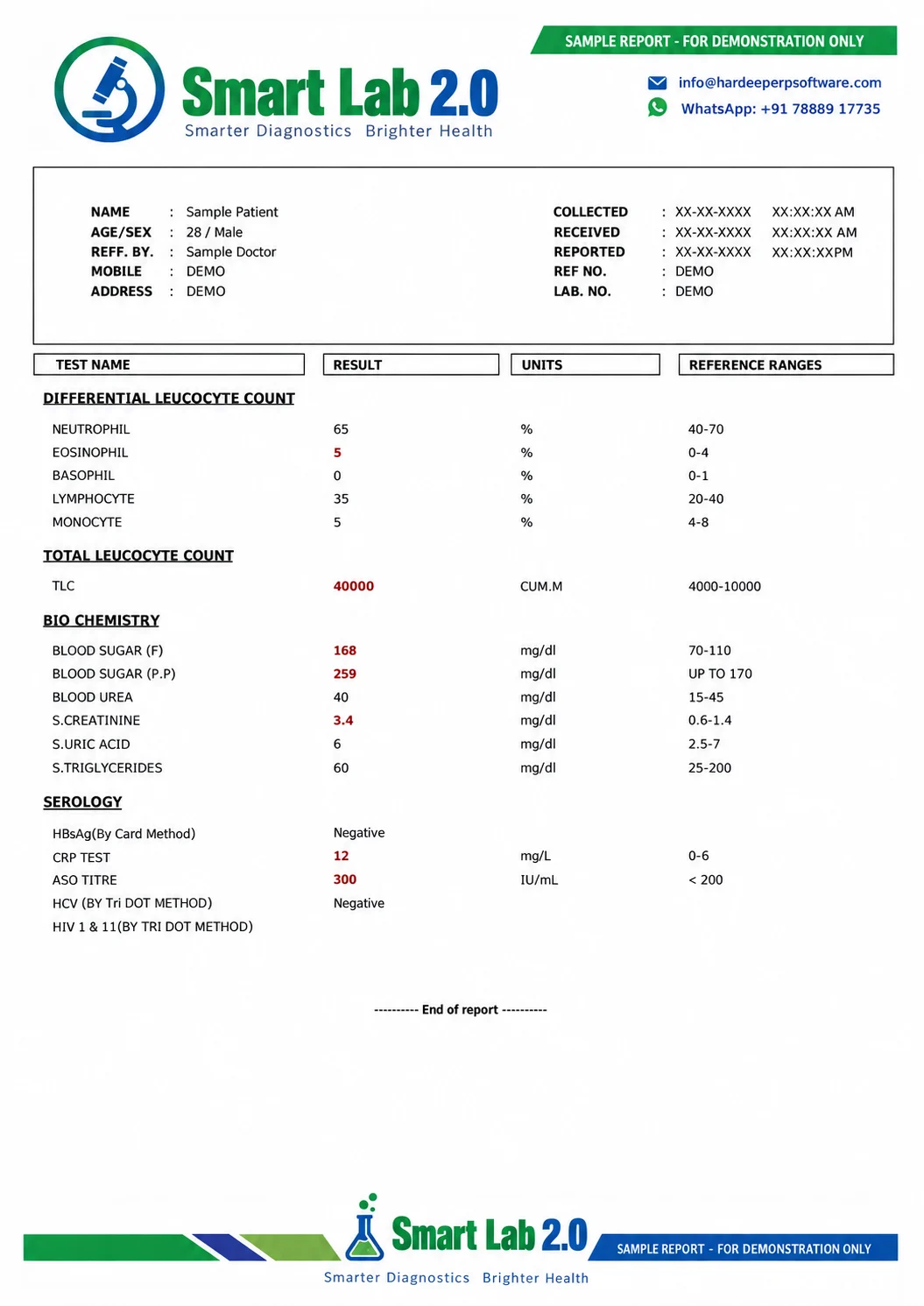
Test Reports
Prepare clear pathology reports for patient care.
A dedicated pathology reporting workflow for your laboratory.
Send Reports on WhatsApp
Share reports directly with patients and doctors.
700+ Tests
Start with predefined tests and formulas.
User Rights
Control staff access with user-wise permissions.
Daily Collection
Review laboratory collections and outstanding balances.
Bring daily lab billing and collection review together.
Telegram Alerts
Receive live notifications through a Telegram bot.
CBC MACHINE INTEGRATION
Seamless CBC Analyzer Connectivity with Laboratory Software
Our Smart Lab 2.0 laboratory software supports integration with a wide range of CBC (Complete Blood Count) analyzers, helping laboratories automate test result transfer, reduce manual data entry, and improve reporting accuracy.
Depending on the machine model and available communication interface, CBC analyzers can be connected to the laboratory computer through LAN (Ethernet) Cable or RS232 Serial Cable.
Supported CBC Machines
We currently support integration with the following CBC analyzers:
- Cellenium 21
- Accurex 360 Neo
- Erba H560
- Sysmex Xn-330
- Mindray BC-3000
- COUNCELL 23 EXCEL
- AGD300
- MERON MS2800PLUS
- EVERLIFE
- EUROCOUNT OZONE
- BENESPHERA
LAN & RS232 Machine Connectivity
LAN Cable Integration
Compatible CBC machines can communicate directly with the laboratory computer through the local network using an Ethernet/LAN connection.
This method provides fast and reliable communication and is suitable for laboratories where analyzers and computers are connected to the same network.
RS232 Cable Integration
CBC analyzers equipped with a serial communication port can be connected through an RS232 cable.
Our software can receive compatible test data directly from the analyzer, minimizing the need to manually type patient results.
Automatic CBC Result Transfer
With CBC machine integration, supported analyzer results can be transferred directly into the laboratory software.
This helps laboratories:
Reliable Integration for Modern Diagnostic Laboratories
Whether your CBC analyzer supports LAN communication or RS232 serial communication, our integration solution is designed to create a smooth connection between your laboratory equipment and software.
The exact connectivity method may vary according to the machine model, communication protocol, interface availability, and analyzer configuration.
Need CBC Machine Integration?
Already using one of the supported CBC analyzers?
Contact our team to check your machine model and available communication interface. We can guide you regarding LAN or RS232 connectivity, machine configuration, software integration, and result transfer setup.
Connect Your CBC Analyzer. Automate Your Results. Improve Your Laboratory Workflow.
Reliable routines behind every busy day.
Set user-wise permissions, import tests from Excel, use daily automatic and email backups, and send reports directly to patients and doctors on WhatsApp. Telegram bot live notifications help you stay informed through the configured alert workflow.
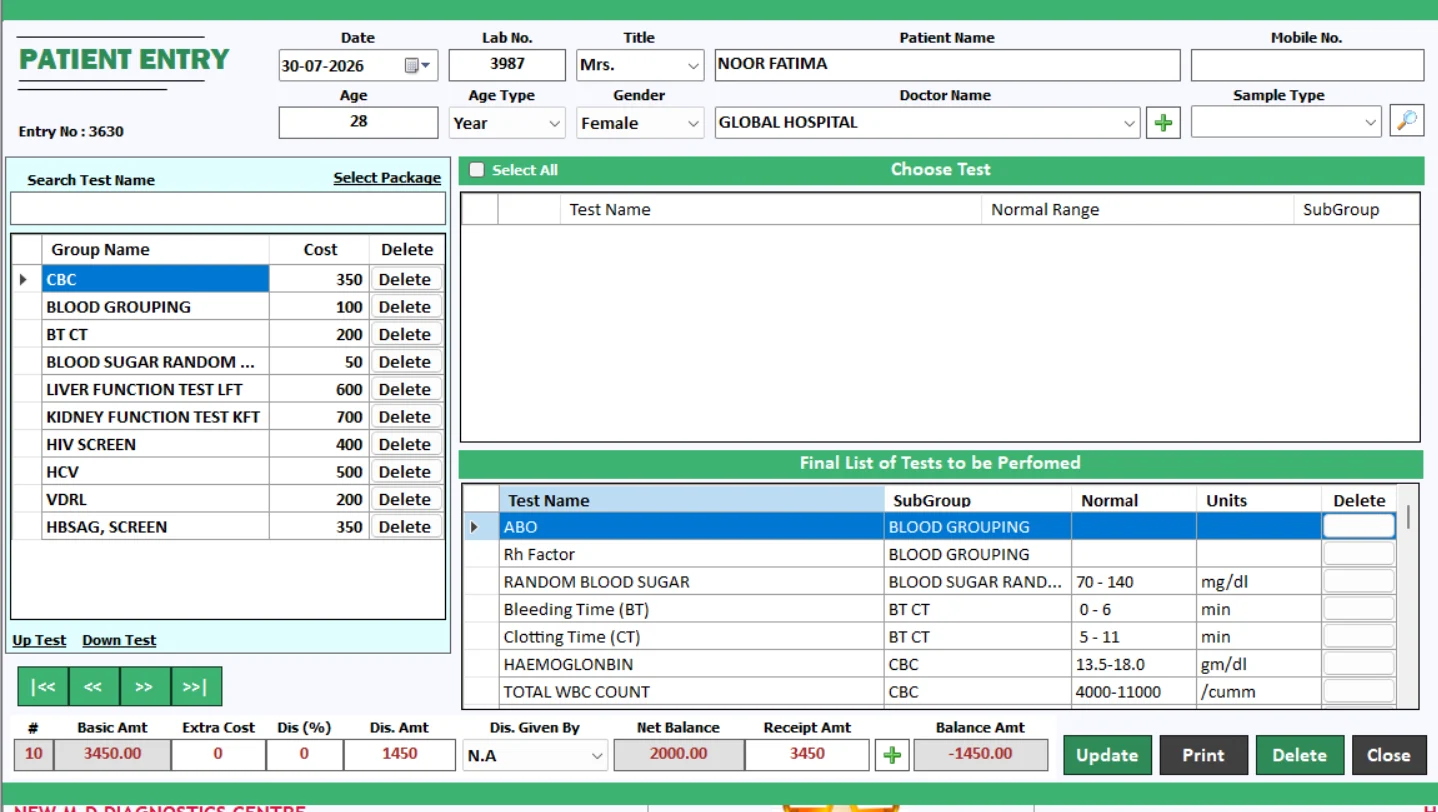
Patient Entry
Organise every patient visit from the first entry.
Smart Lab 2.0 brings patient registration into your pathology lab workflow. Record patient details and selected investigations in one organised entry process, giving your team a clear starting point for report preparation and billing.
Keep registration, test selection and the patient record connected.
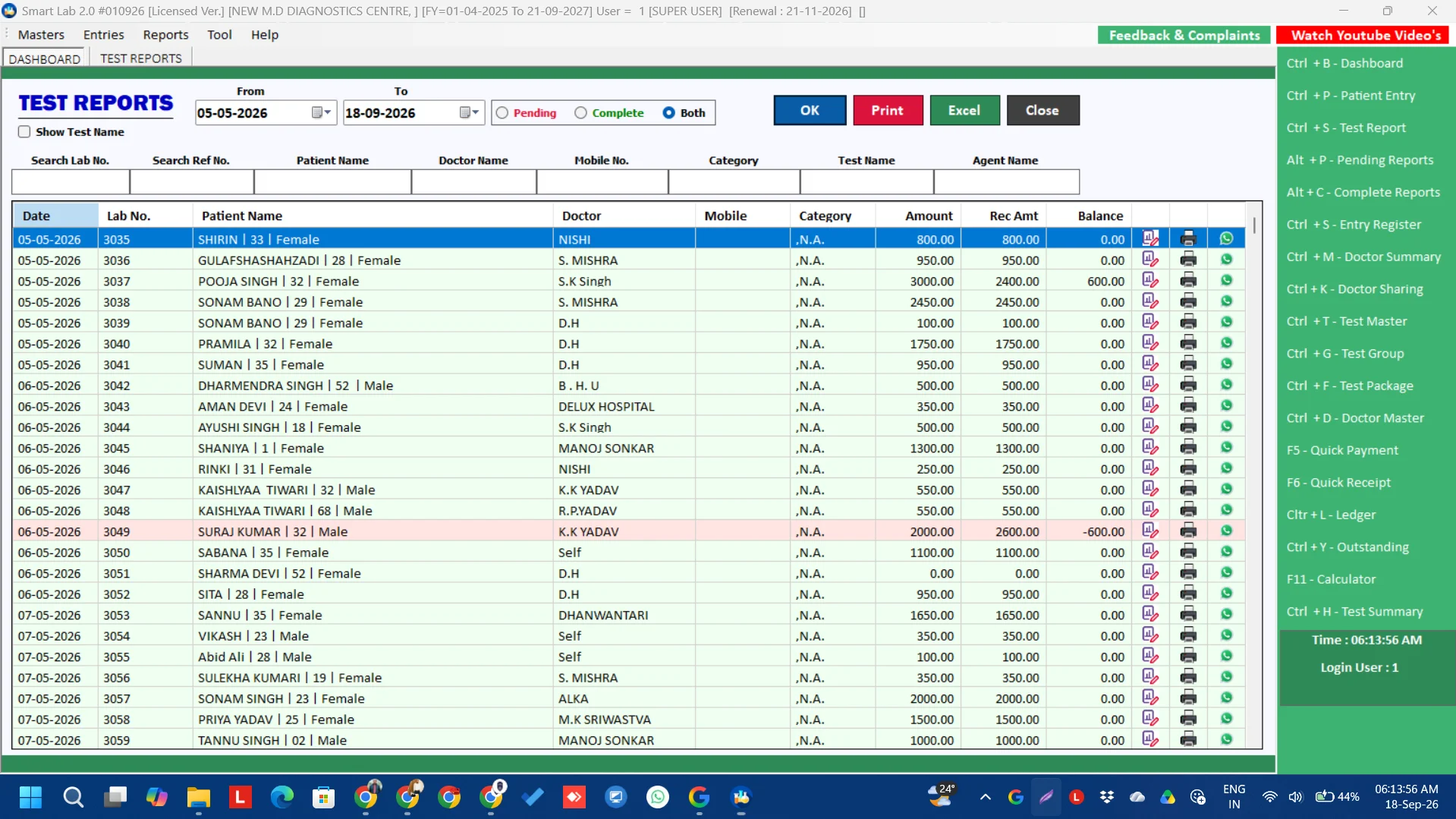
Test Report
Turn test results into clear, professional laboratory reports.
Prepare pathology test reports within Smart Lab 2.0 and keep the reporting process organised. A consistent reporting workspace helps staff enter results and review the report before it is issued to the patient or referring doctor.
Review results before printing or sharing the final report.
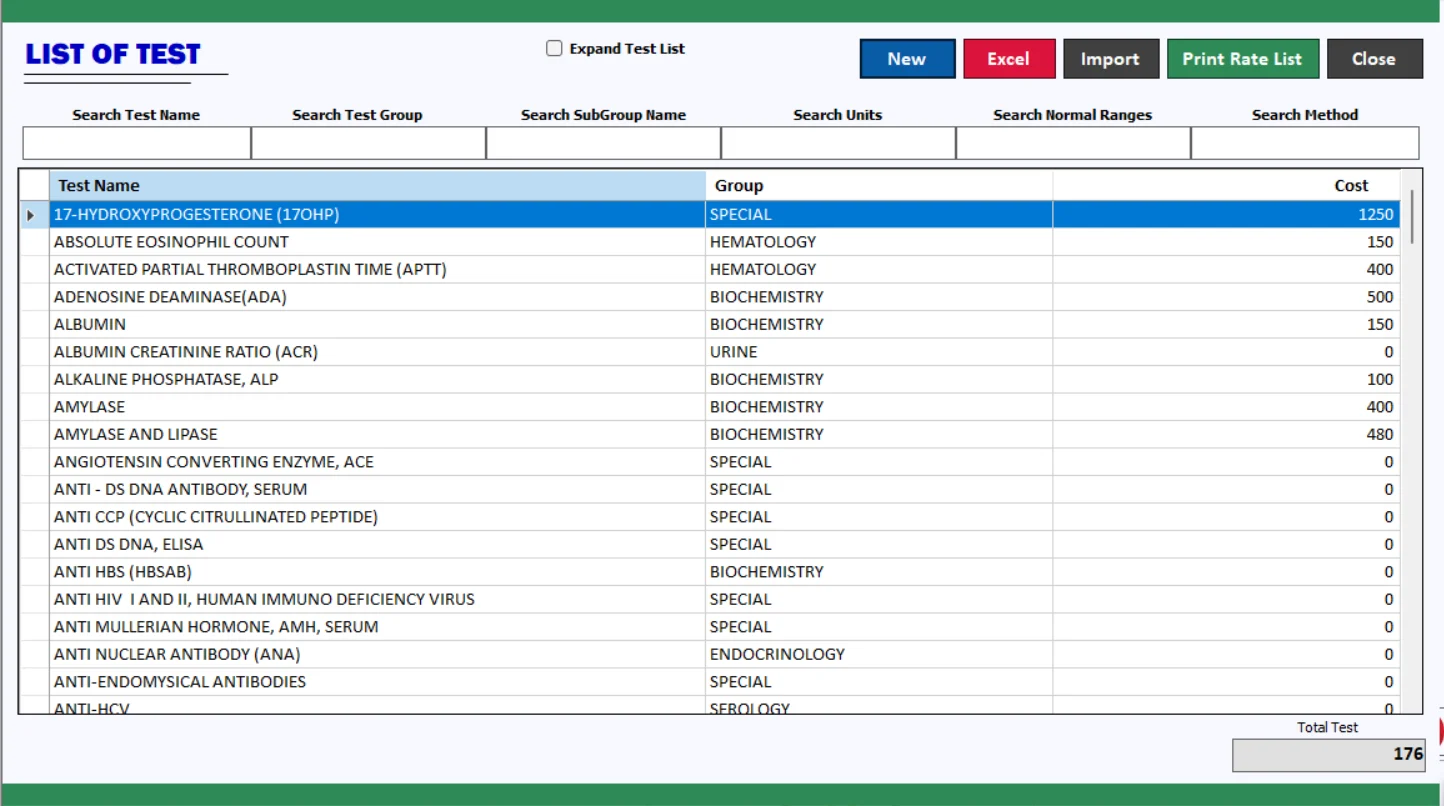
List of Test
Keep your laboratory test catalogue easy to manage.
Work with 700+ predefined tests and formulas, and import tests from Excel. The test list gives your laboratory a central place to organise the investigations you offer and prepare a catalogue that matches your services.
Explore the predefined test list during your free demo.
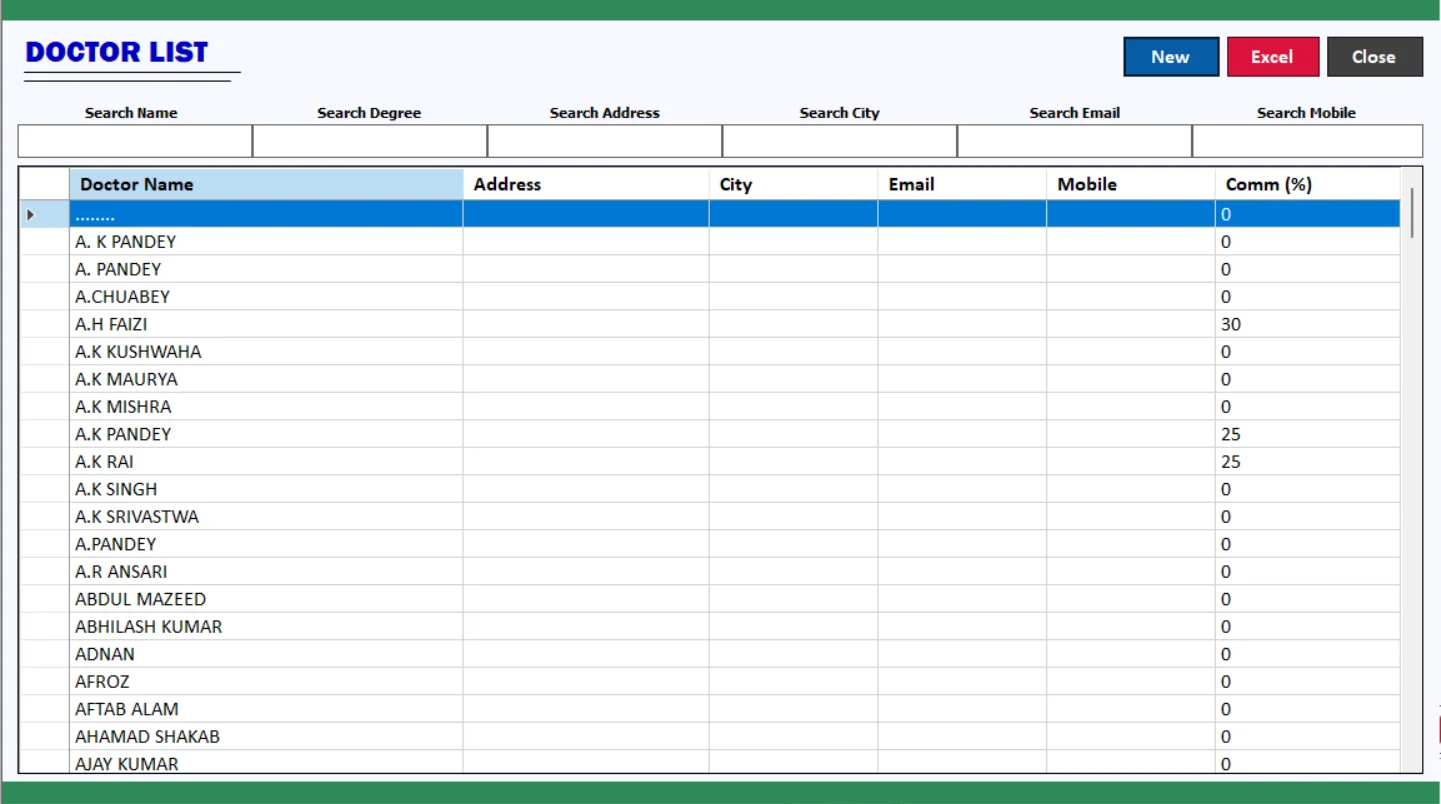
Doctor List
Organise referring doctors in one place.
Maintain your doctor list to support a consistent referral workflow. Smart Lab 2.0 also includes doctor commission reports, helping your team review the relevant referral records as part of routine laboratory administration.
Keep doctor records organised for reporting and follow-up.
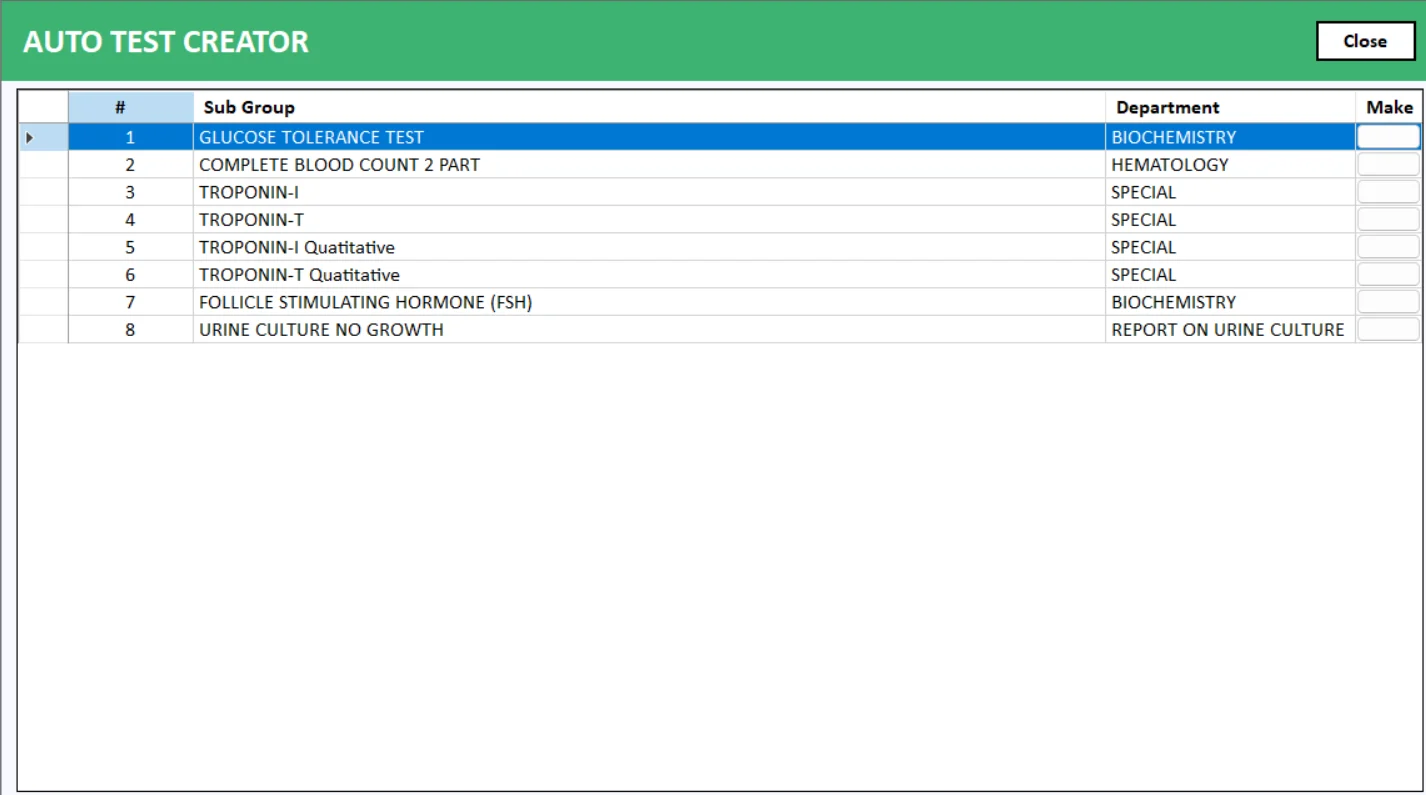
Auto Test Creator
Build a test setup that fits your laboratory.
Use the Auto Test Creator workflow to organise new test definitions alongside your existing catalogue. Review the available test setup and formula options in the demo so your team can configure investigations for the way your laboratory works.
Combine your own test setup with the predefined test library.
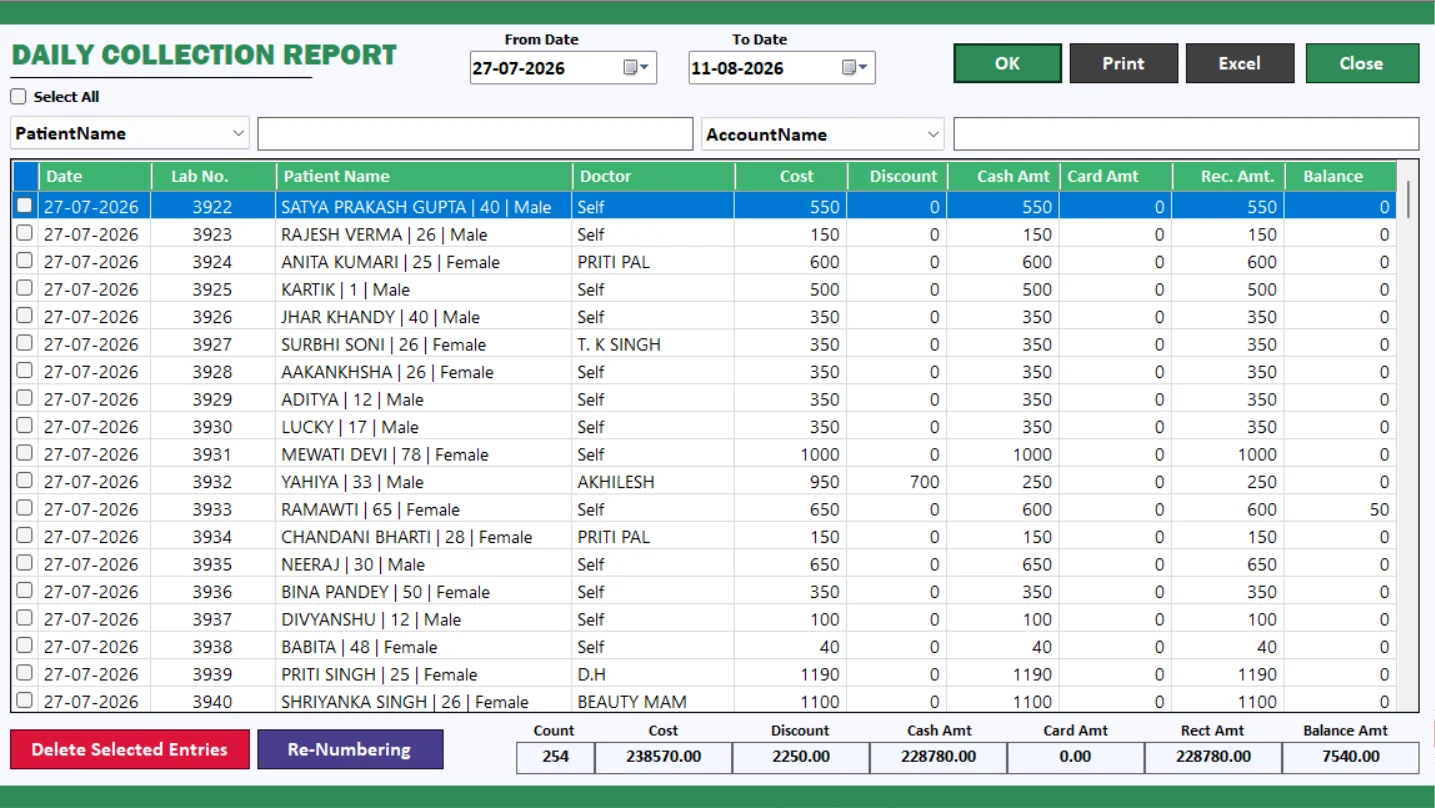
Daily Collection Report
See the day's laboratory collections clearly.
Bring daily collection review into your lab billing routine. The Daily Collection Report helps you review collection records and follow up on payment activity without relying only on scattered manual notes.
Use daily collection reporting alongside patient balance reports.
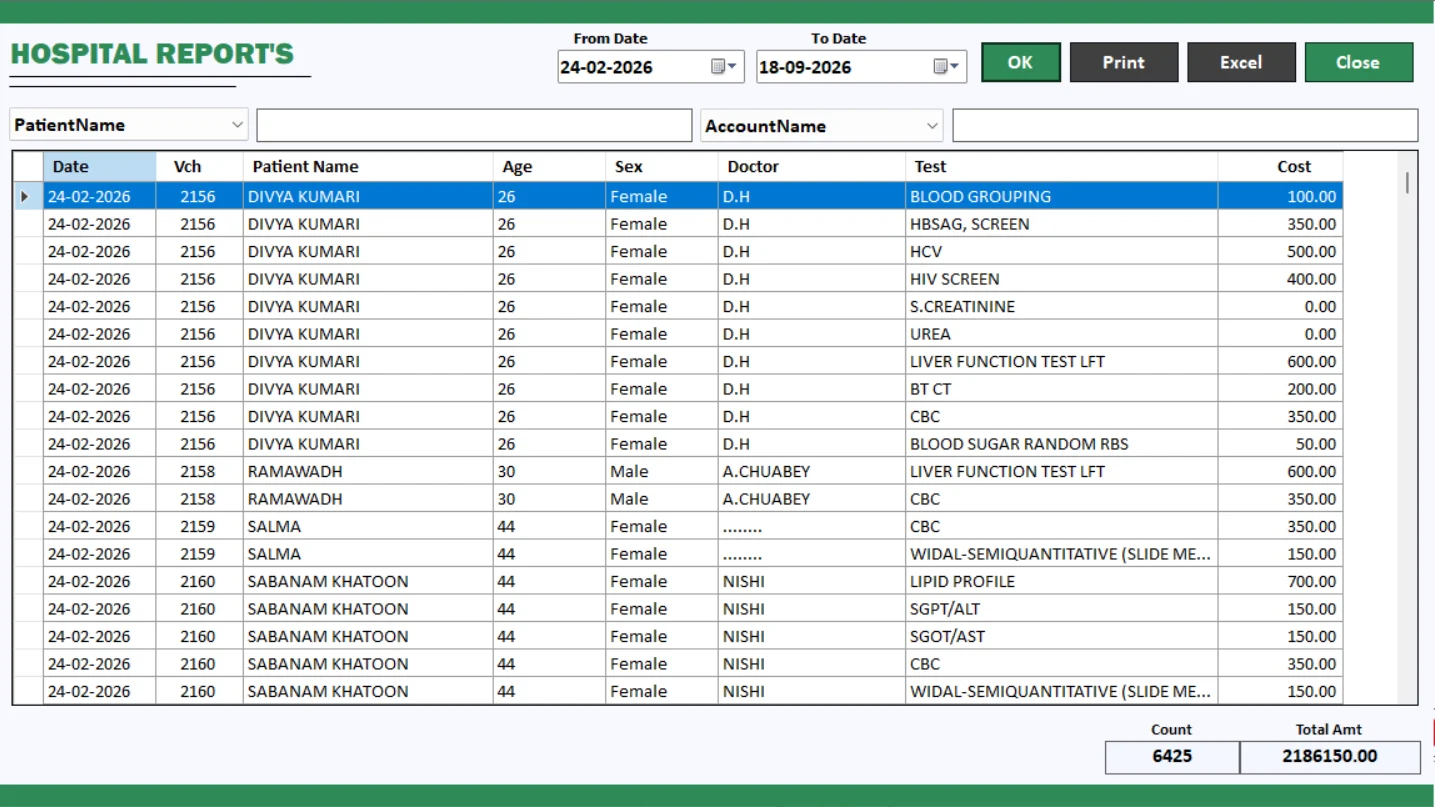
Hospital Report
Review hospital-related laboratory records.
The Hospital Report section supports review of hospital-related records within Smart Lab 2.0. Explore the available report fields and filters during your demo to see how they fit your hospital referral and laboratory administration process.
Keep hospital-related reporting easy to locate and review.
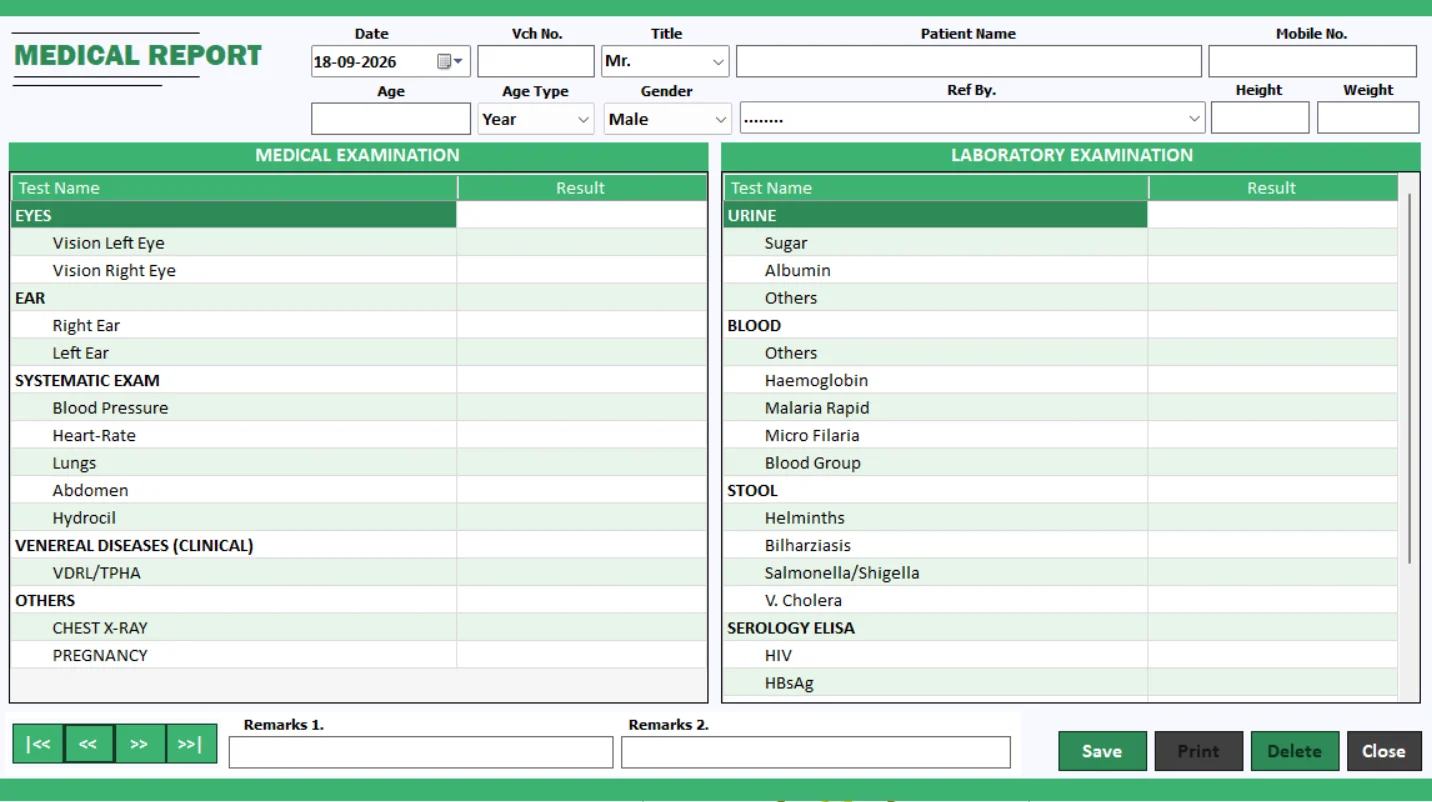
Medical Report
Prepare medical reports and certificates.
Use the Medical Report workflow to prepare documents within the software. The dedicated Hindi video below demonstrates medical report and certificate preparation, helping your team understand the process before getting started.
Watch the medical report and certificate demo below.
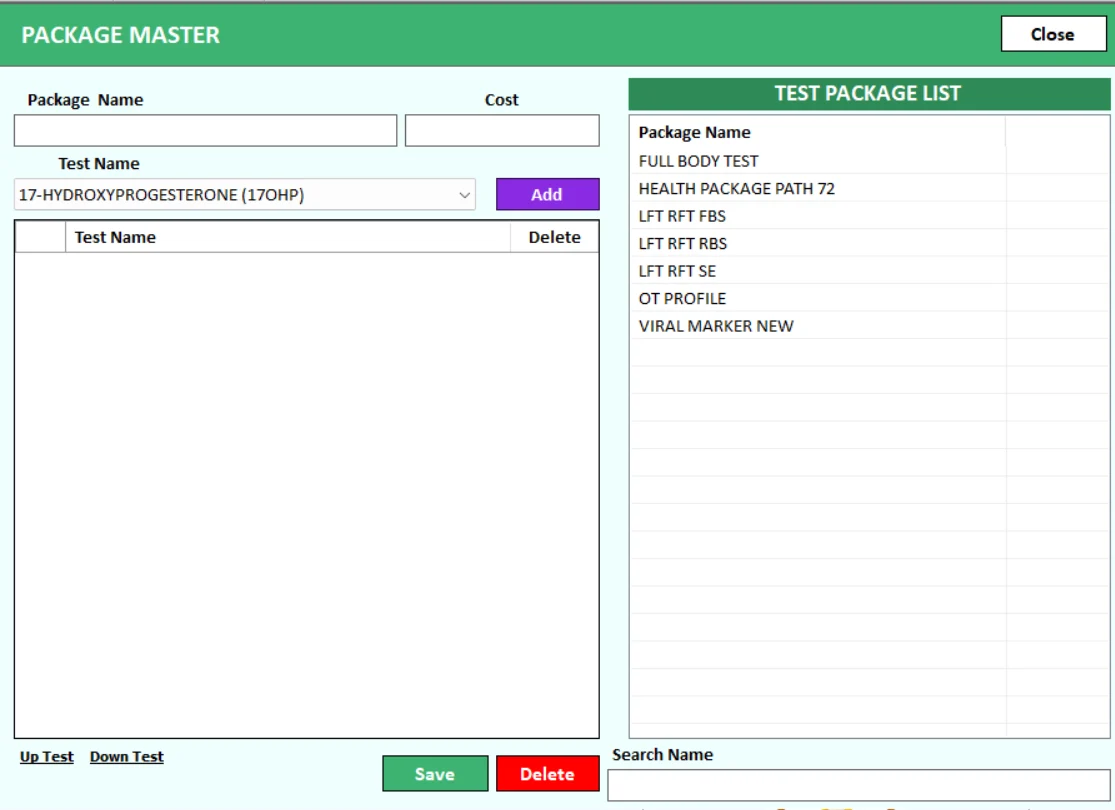
Package Master
Organise tests into convenient packages.
Package Master helps your team organise groups of investigations into lab test packages. Build a clearer catalogue for routine profiles and health check-up packages, and review how package selection works during patient entry.
Keep individual tests and package-based services organised.
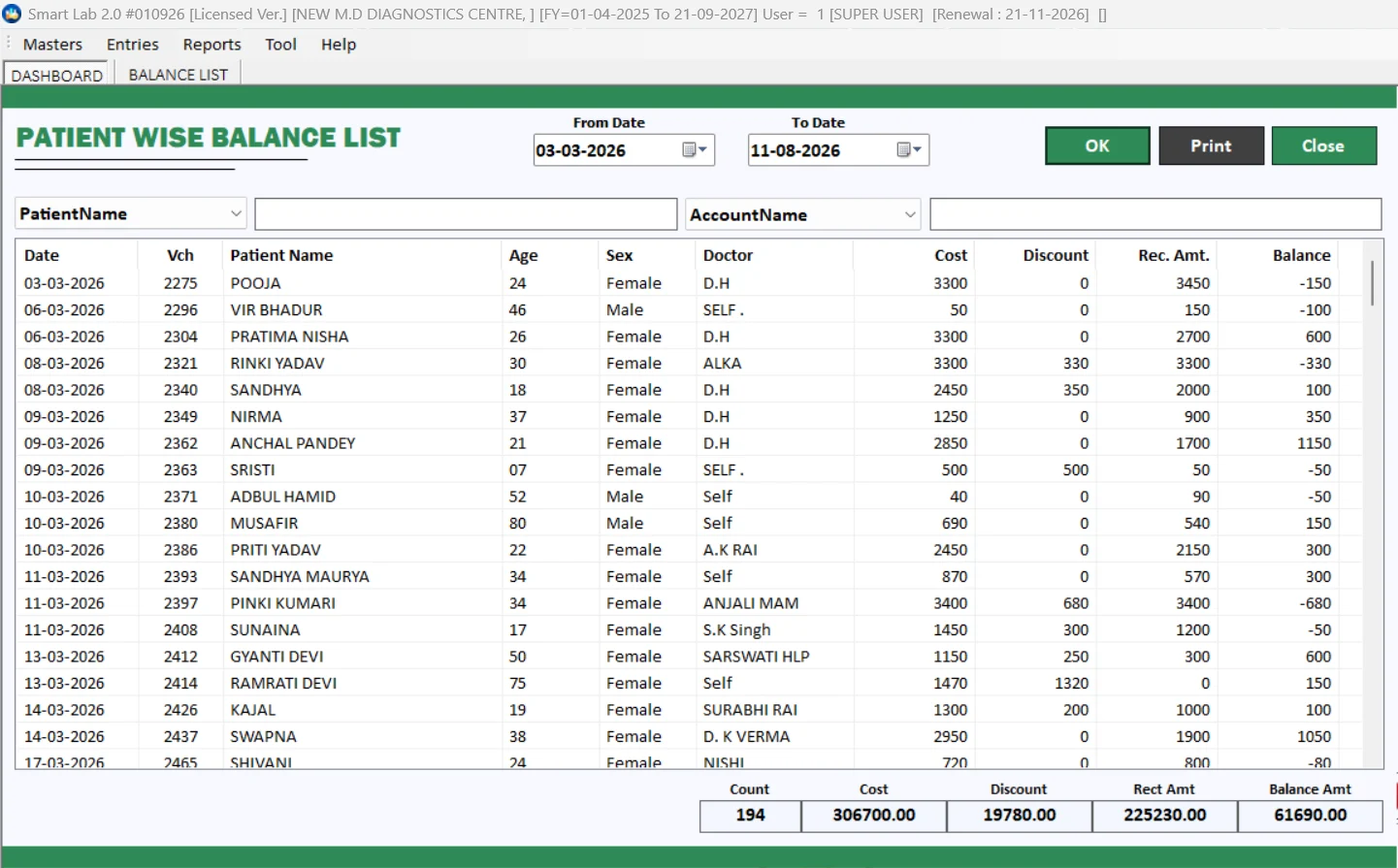
Patient Wise Balance Report
Follow up on outstanding patient balances.
Review patient-wise balances as part of your laboratory billing workflow. This report helps your team identify records that need payment follow-up and review balances alongside daily collection information.
Bring collection review and balance follow-up together.
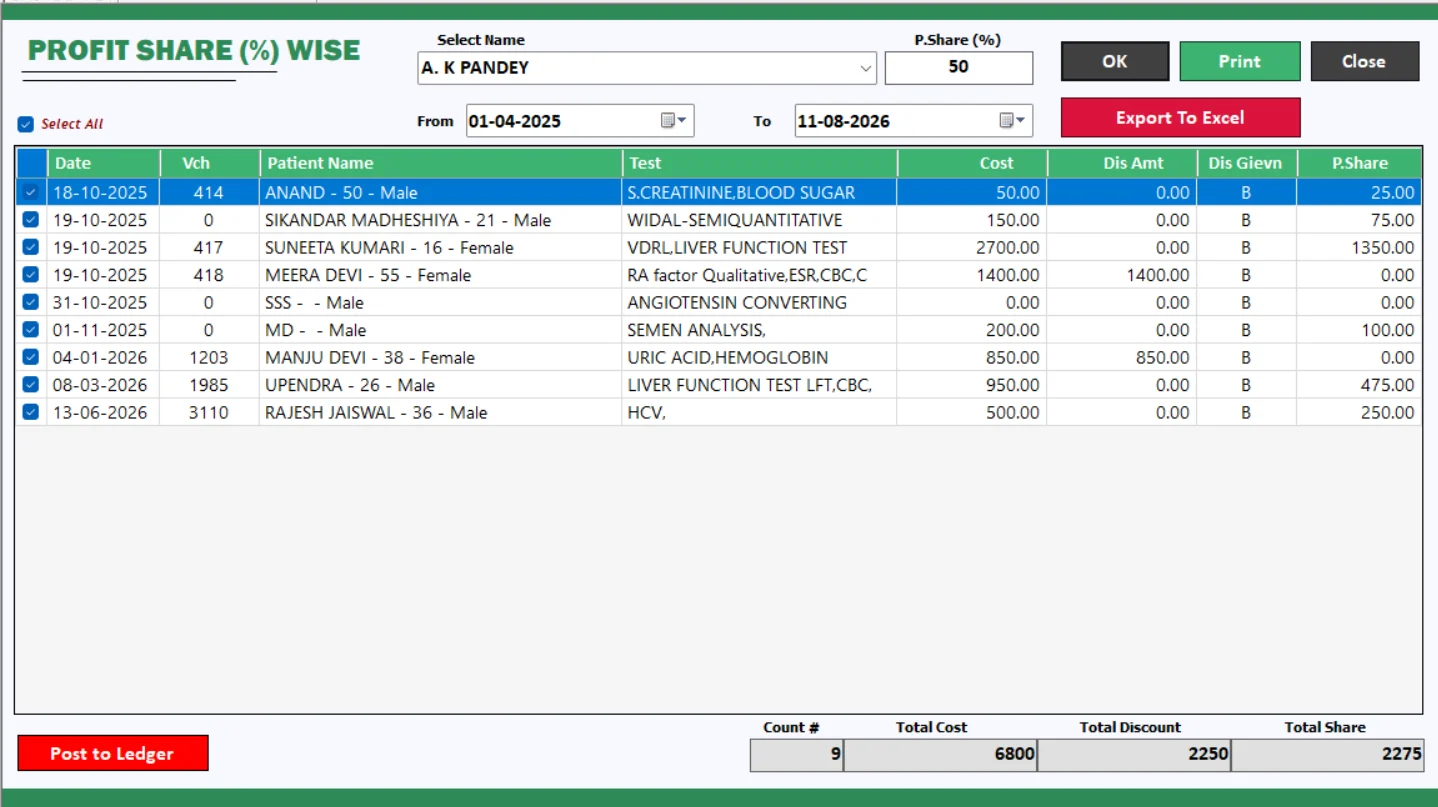
Profit Share % Wise
Review percentage-based sharing records.
Use the percentage-wise profit share report to review sharing information under your configured arrangements. Confirm the applicable settings and calculation workflow during your demonstration before using it for settlement.
Review percentage-based records in a dedicated report.
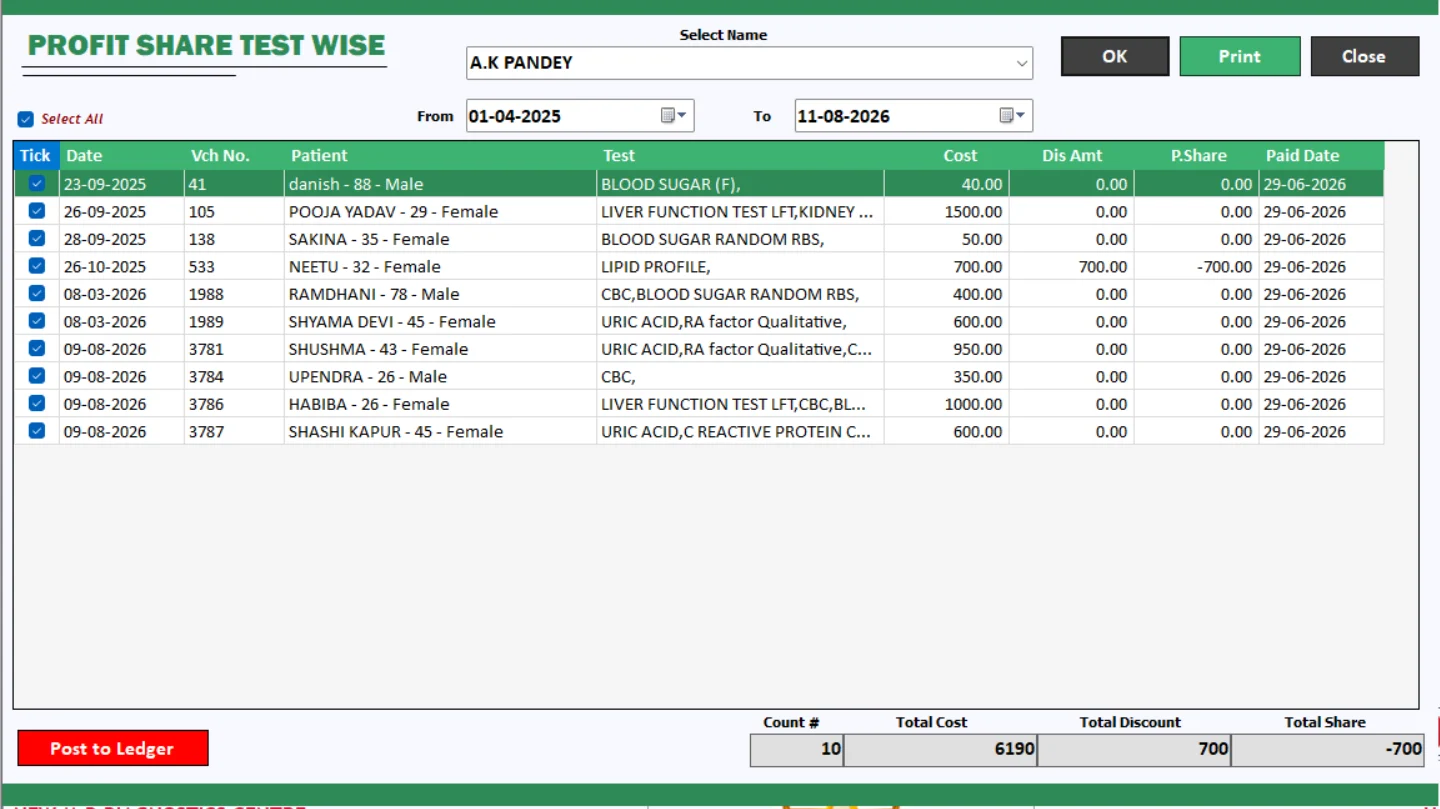
Profit Share Test Wise
Review sharing at the individual test level.
The test-wise profit share report provides a dedicated view for test-based sharing records. It supports a more detailed administrative review when your laboratory uses arrangements linked to particular investigations.
Compare the available test-wise and percentage-wise workflows.
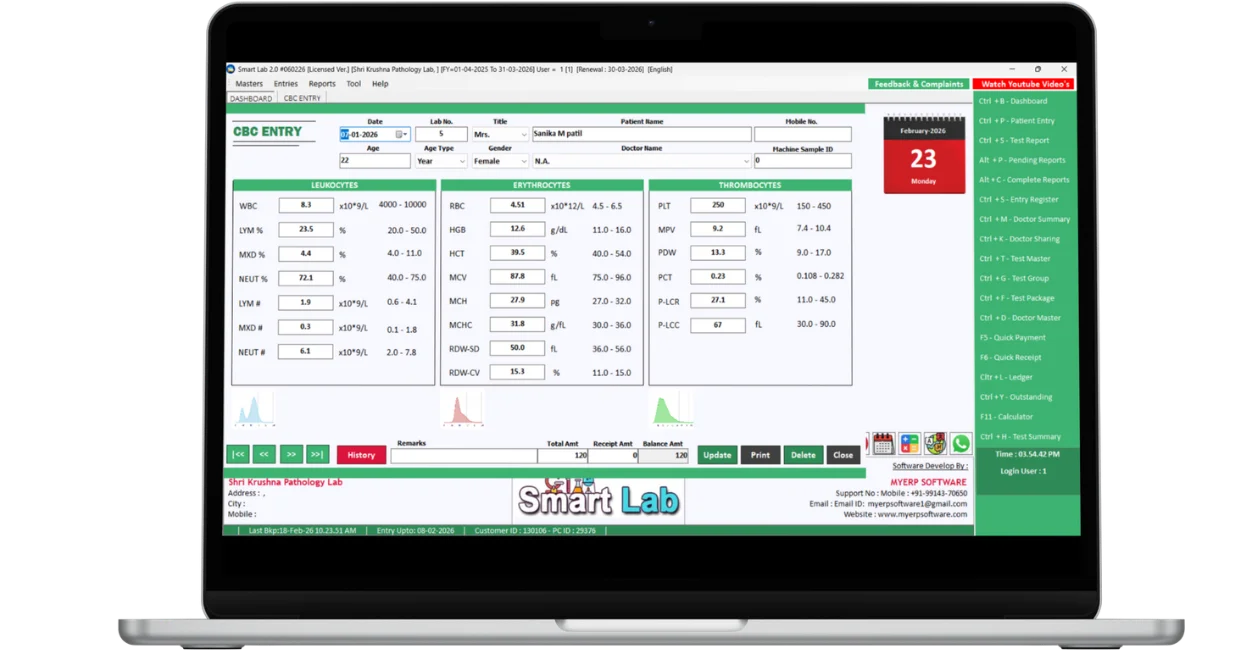
CBC Machine Integration
Connect compatible CBC analysers to your workflow.
Smart Lab 2.0 supports CBC machine integration for compatible equipment. Share your analyser make and model with our team to confirm compatibility, connection requirements and the supported result-transfer workflow before installation.
Machine compatibility and setup must be confirmed for your model.
QR Code Verified Reports
Make report verification easier with a QR code.
Print a QR code on your laboratory report to support report verification. Smart Lab 2.0 brings this feature into the report workflow so recipients can use the configured verification process when checking an issued report.
Ask for a live QR report verification demonstration.
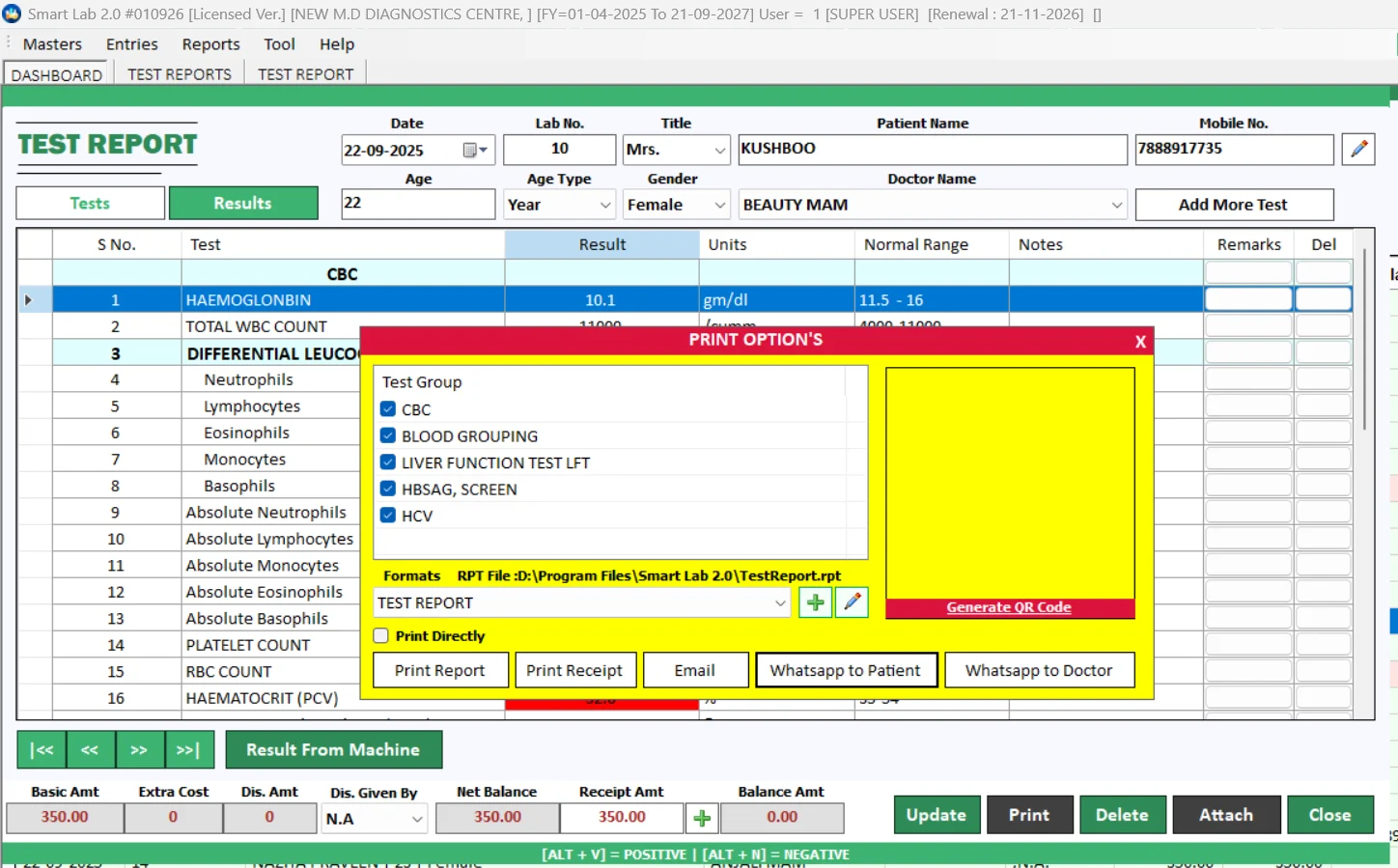
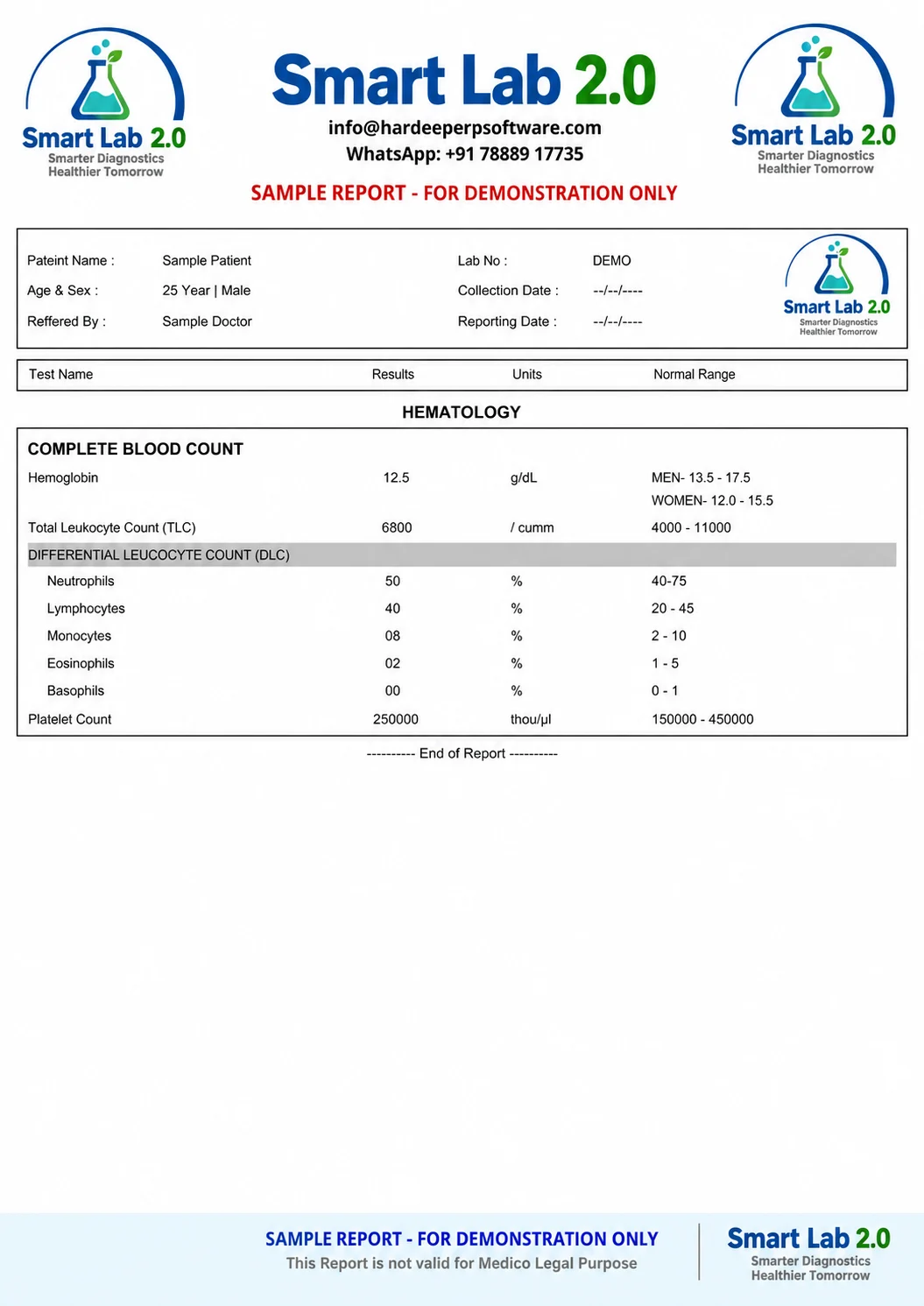
Test Report Print Option
Review the report before it leaves your laboratory.
Use the report print options to prepare the final output for patients and doctors. Review the available print settings during your demo and choose the configuration that suits your laboratory’s reporting needs.
Prepare a consistent printed report for your lab.
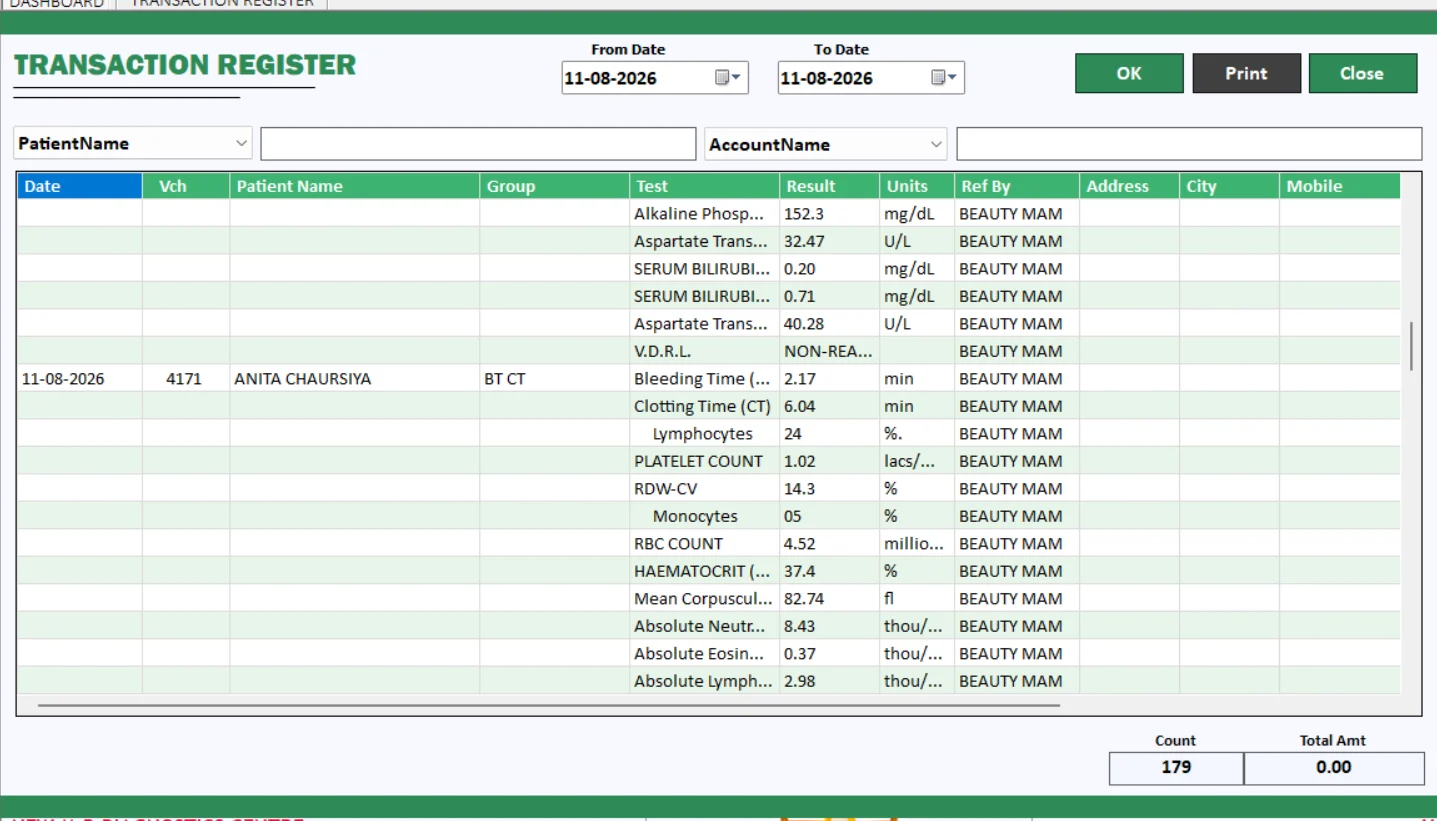
Transaction Register
Keep laboratory transaction review organised.
The Transaction Register provides a dedicated place to review transaction records within Smart Lab 2.0. Use it alongside daily collections and patient balance reports for a clearer view of routine laboratory administration.
Review transaction records, collections and balances together.
See the software. Understand the workflow.
Explore these practical Hindi demos, then request a walkthrough for your own laboratory.
Smart Lab 2.0 Pathology Software Demo | Lab Management Software India | QR Report, WhatsApp Reports
Smart Lab 2.0 Pathology Software 🔥 Test List, Group, Package & Formula Ka Full Demo (Hindi)
Smart Lab 2.0 Pathology Software | Set POSITIVE / NEGATIVE Result & Auto Suggestion Kaise Kare?
Smart Lab 2.0 Pathology Software | 1 Minute Me Medical Report & Certificate Kaise Banaye 🔥
Testimonials — Sample Preview
Sample review cards for layout demonstration. These examples do not represent verified customer feedback or ratings.
“Manage patient details, test entries and reports in one organised system. Smart Lab 2.0 helps make daily laboratory work simple and efficient.”
“Manage tests, billing, patients, inventory and reports from one integrated laboratory software solution.”
“Create clear and professional laboratory reports with an easy-to-use reporting system designed for smooth day-to-day lab operations.”
Smart Lab 2.0 frequently asked questions
Book your free Smart Lab 2.0 demo.
Tell us about your laboratory, daily workflow and CBC analyser. We will walk you through the relevant features and discuss your setup requirements.